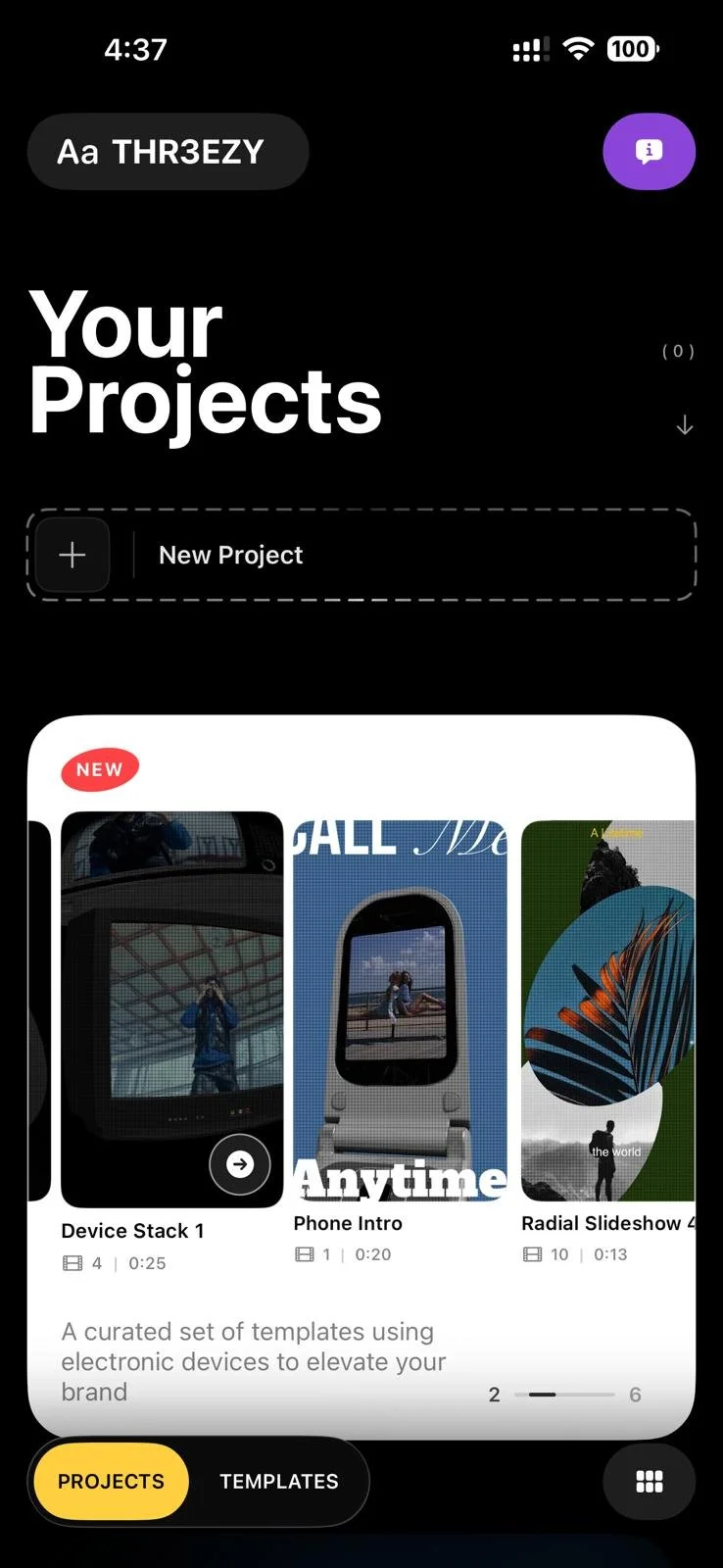
THR3EZY
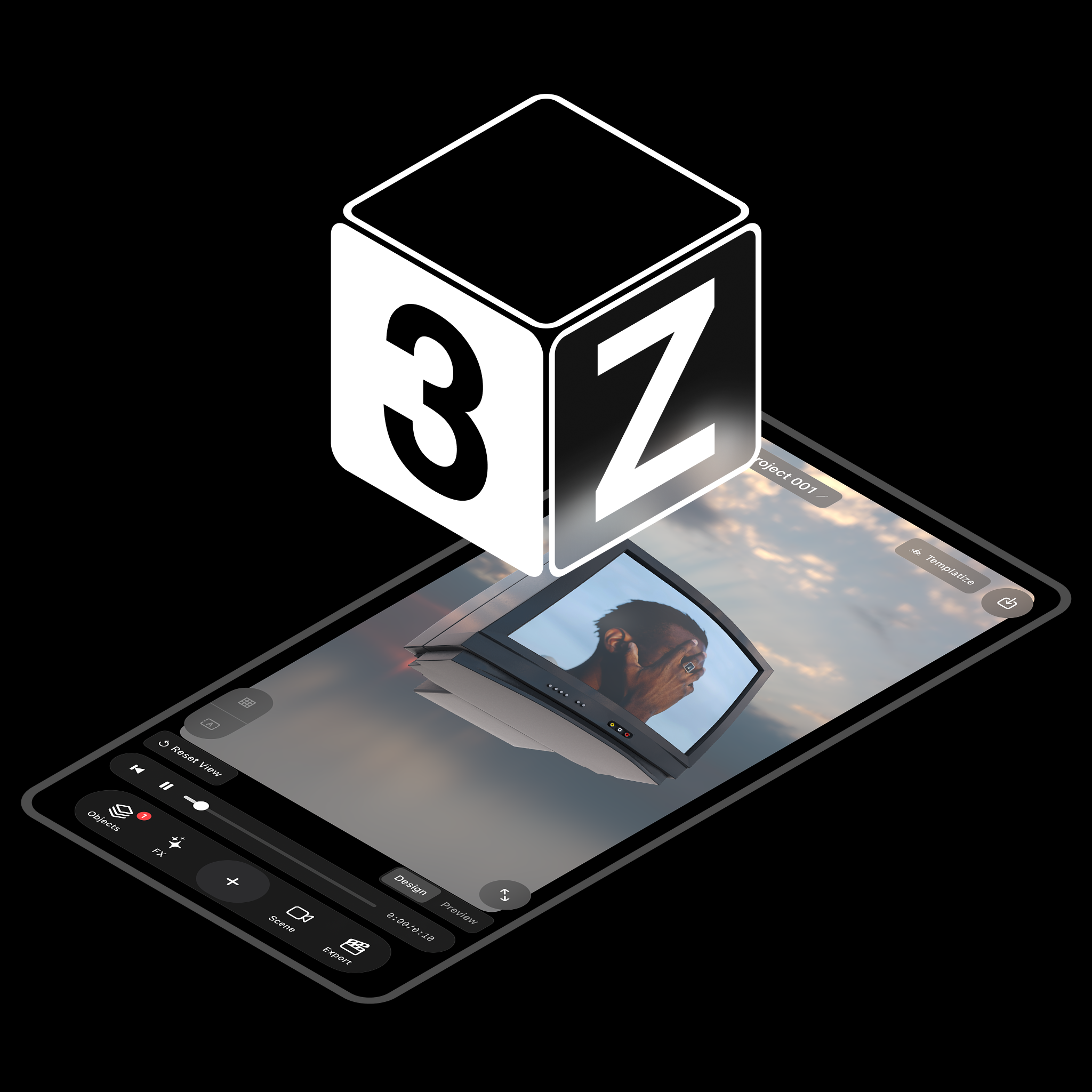
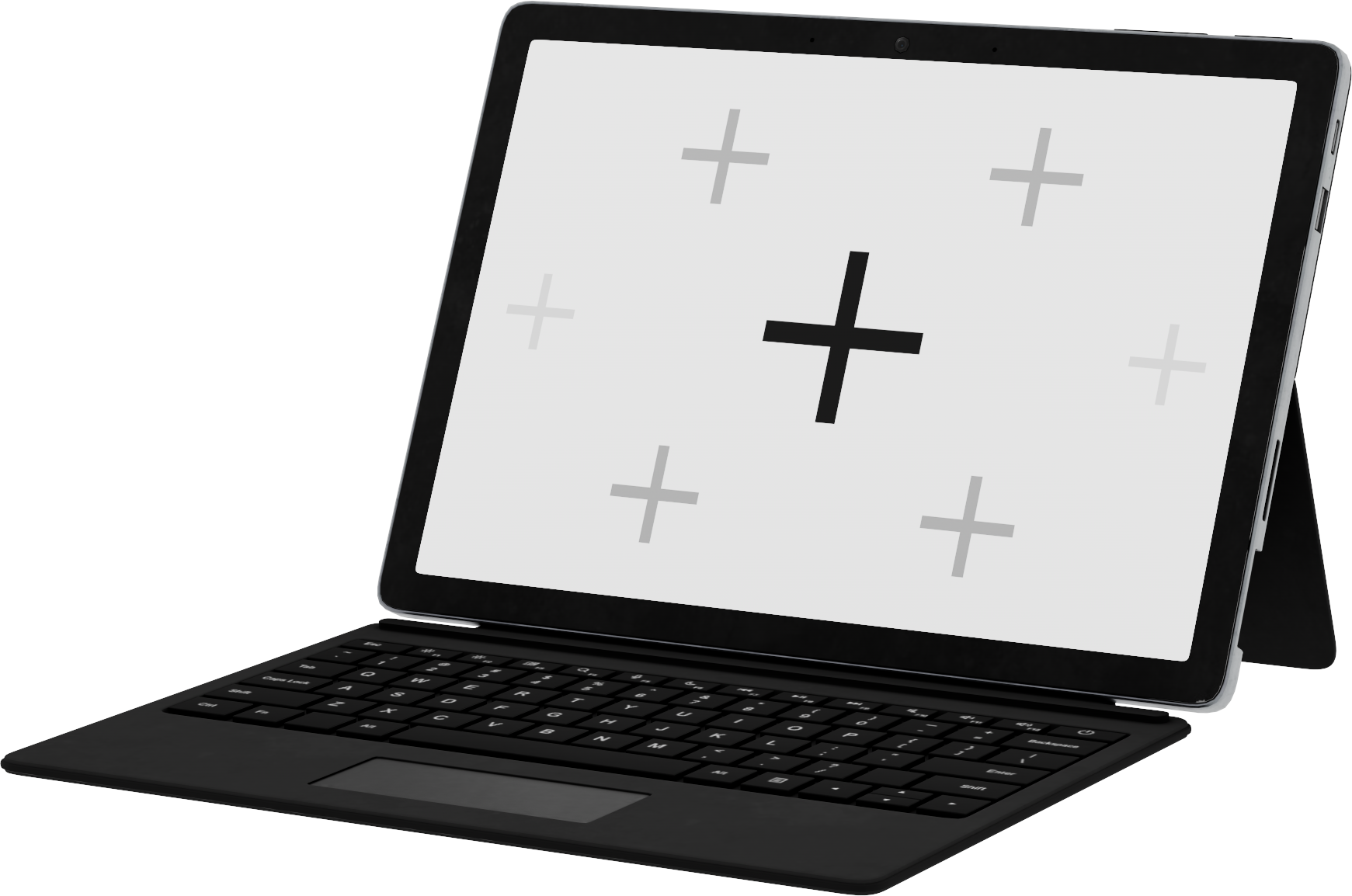
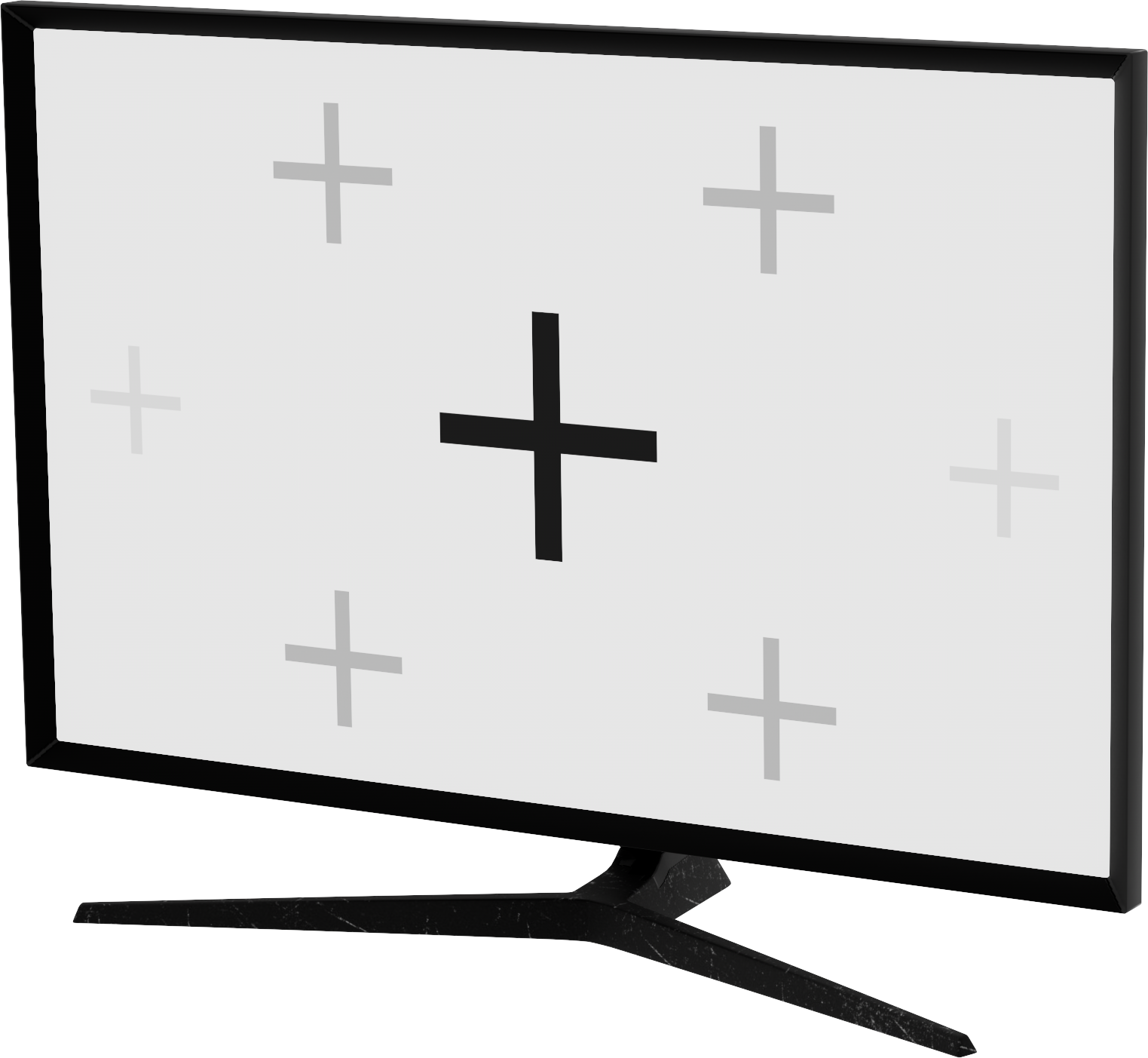
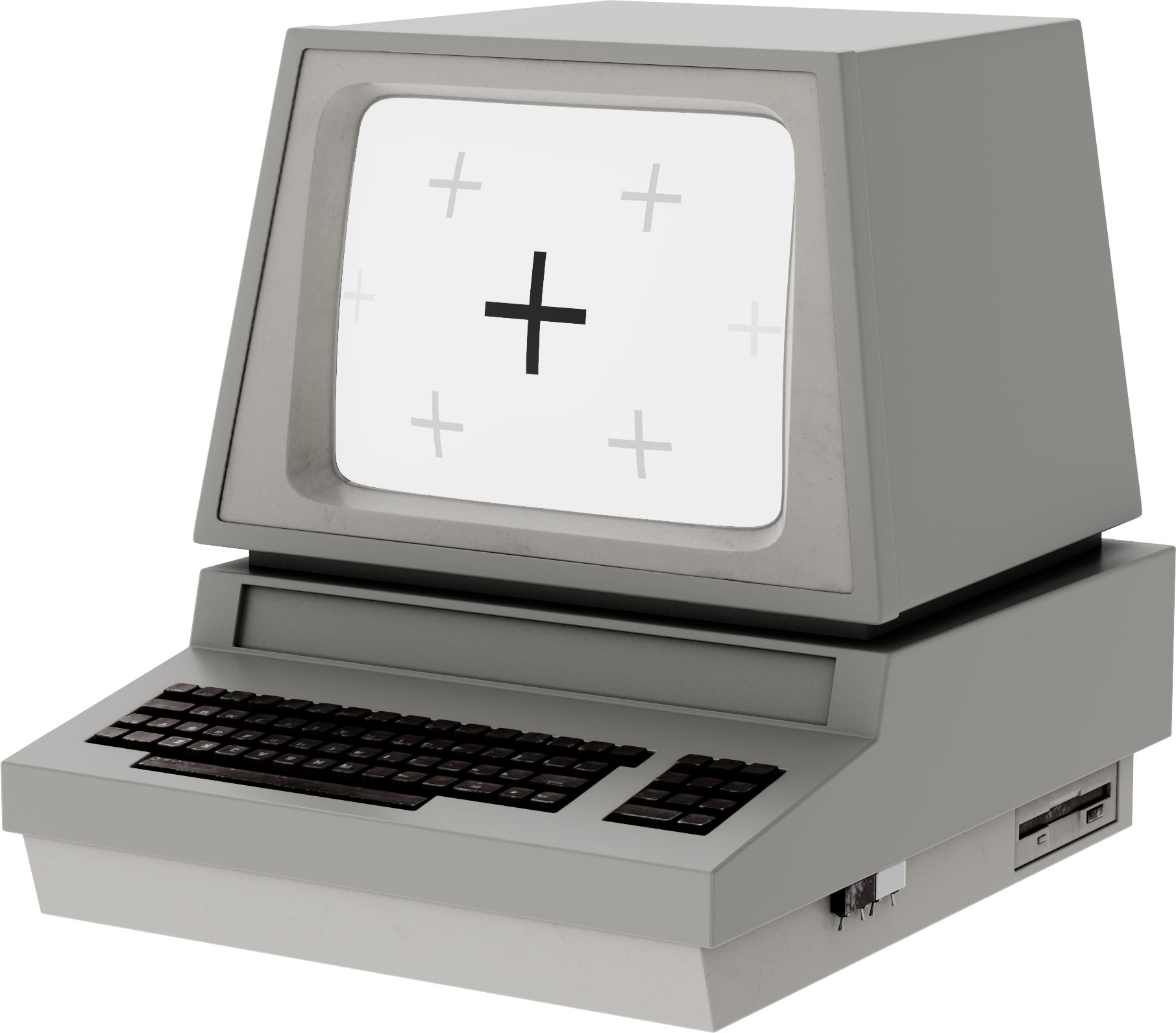
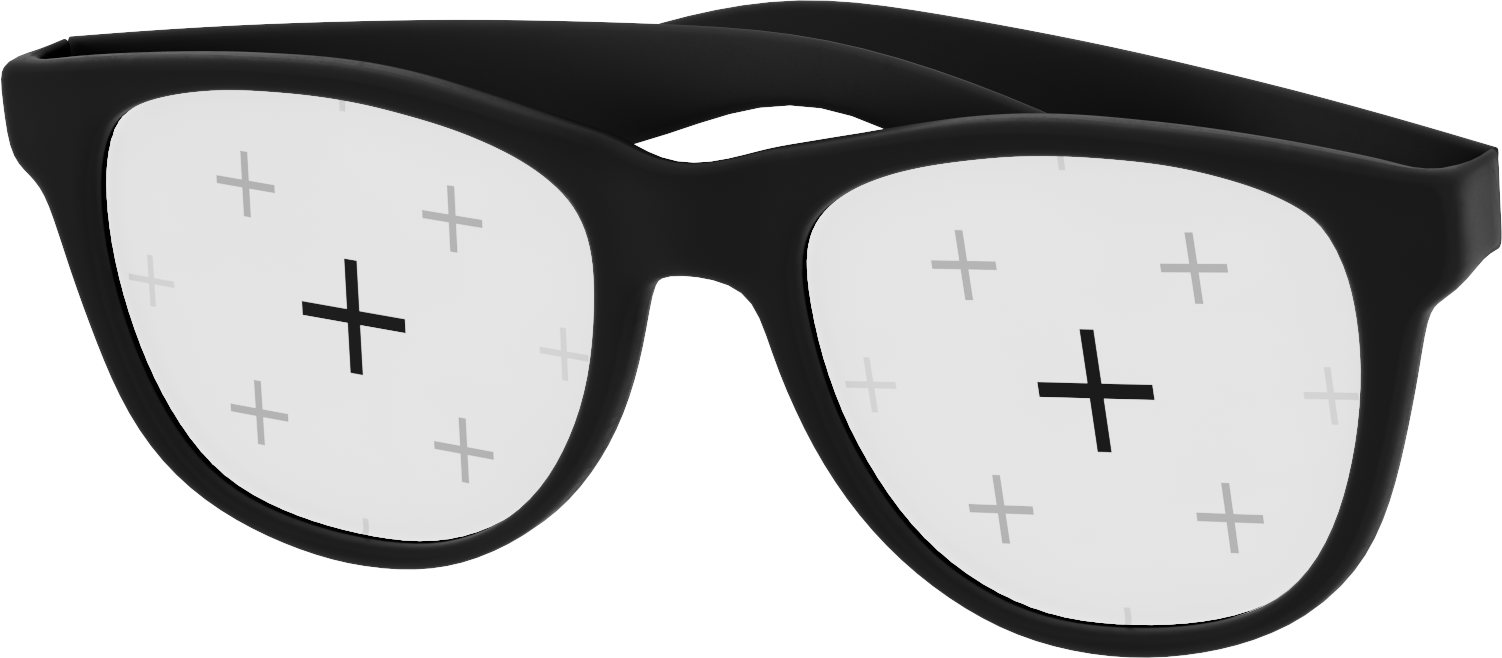
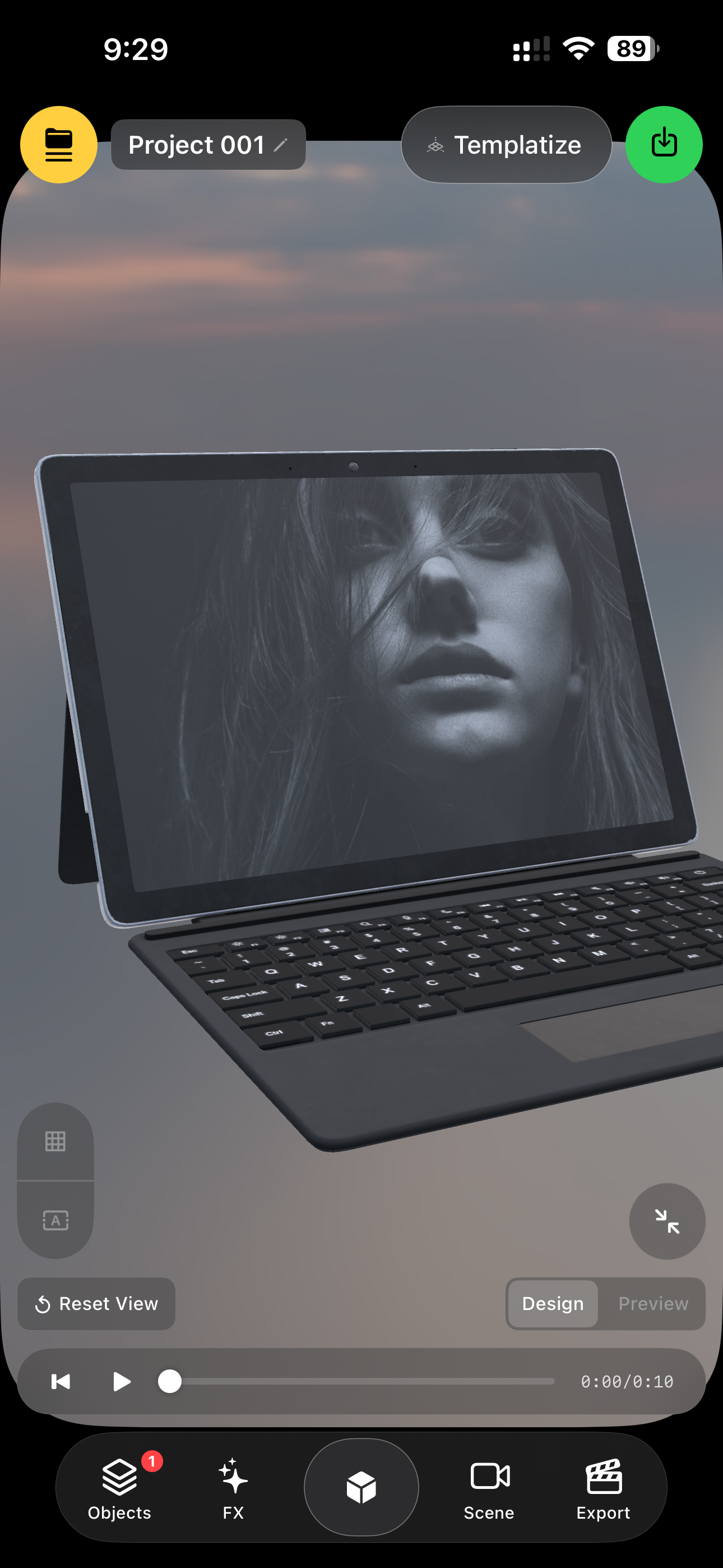
THR3EZY is your pocket 3D motion-graphics studio. Create polished, animated 3D videos directly from your phone. Build scenes with realistic objects like phones, TVs, and abstract shapes, drop in your images or videos as live media on those objects, and choreograph cinematic camera moves around them.
I made THR3EZY because I wanted a way to create real 3D videos directly from an iPhone. No subscriptions. No tokens. No internet. Just open the app and make something.
I used AI to help me build it, but then spent months fixing bugs, learning Swift, breaking things, rebuilding them, and seeing how far I could push an iPhone.
🔗 VISIT WEBSITE
CREDITS
LIONEL TAURUS
From Templates to Remixable 3D Scenes
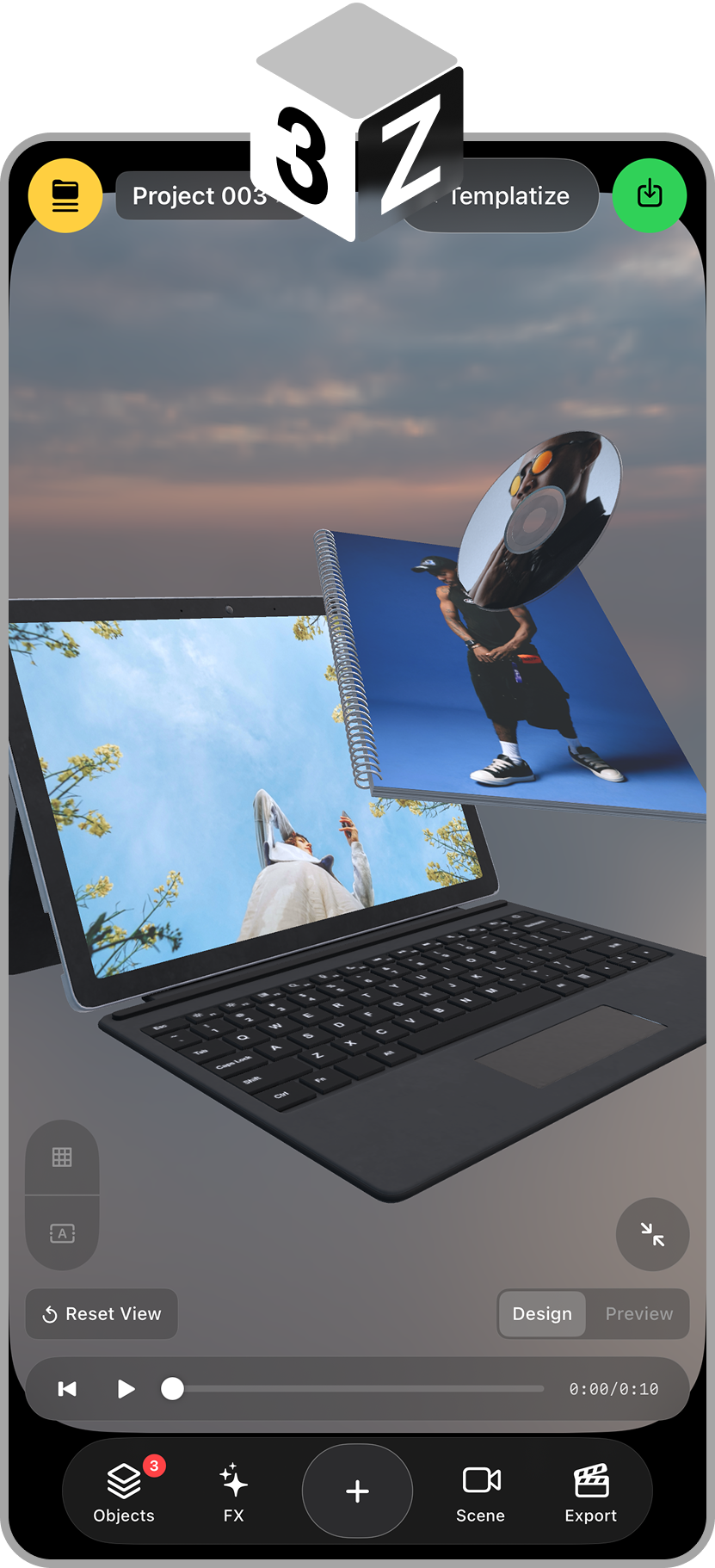
Designing a mobile 3D video editor that makes sophisticated motion design accessible without hiding how it works.
I built THR3EZY after repeatedly running into the same limitation with template-based content tools: they made it easy to create something polished, but difficult
to make it truly mine.
Apps such as Unfold that I’ve built templates for had already proven the value of templates. They reduced the time, technical knowledge, and decision-making required to produce social content. But that speed came from rigidity. I could replace an image, edit a line of text, or choose between a few predefined styles, yet the underlying composition remained locked.
The camera could not move differently. Objects could not be rearranged. Depth, lighting, materials, timing, and animation were already decided. The template was essentially a finished answer with a few editable fields.
That made me question what a template should actually be.
What if a template was not a flattened design, but an editable scene?
That question became the foundation of THR3EZY.
The gap between templates and 3D tools
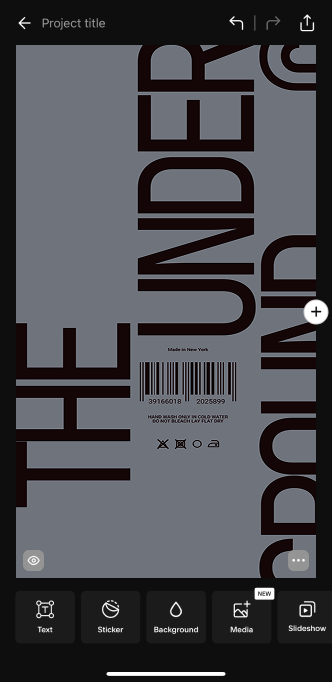
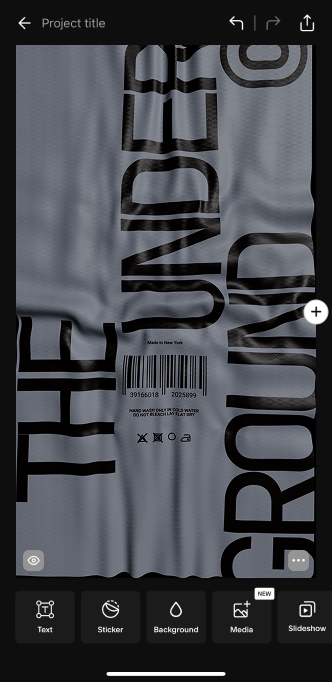
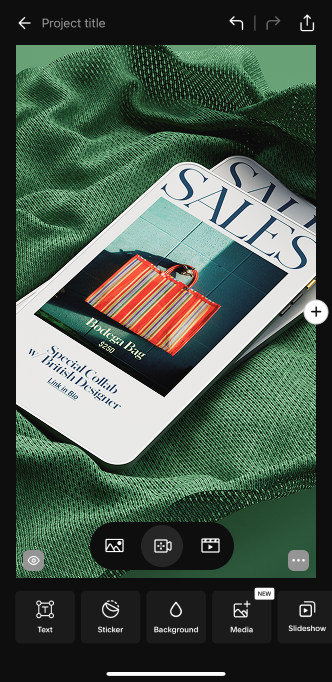
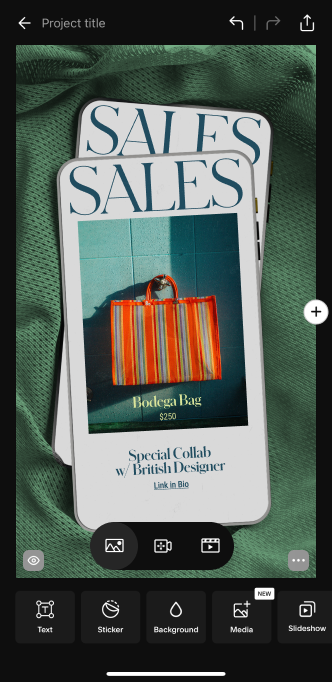
At one end of the spectrum, mobile template apps were fast and approachable, but structurally limited.
At the other, professional 3D and motion-design software offered almost unlimited control, but required powerful computers, specialist knowledge, long workflows, and interfaces that were never designed for quick mobile creation.
AI made it possible to produce visual content quickly, but the output is unpredictable, difficult to edit, dependent on an internet connection, and tied to subscriptions or token consumption.
I wanted to explore the space between these models.
THR3EZY would offer the immediacy of a template, the spatial possibilities of a 3D tool, and the directness of traditional craft. It would run natively on an iPhone.
The goal was not to reproduce a desktop 3D application on a smaller screen. It was to identify the parts of 3D creation that were most useful for short-form content and rebuild them around a mobile-first workflow.
The experiment that unlocked the product
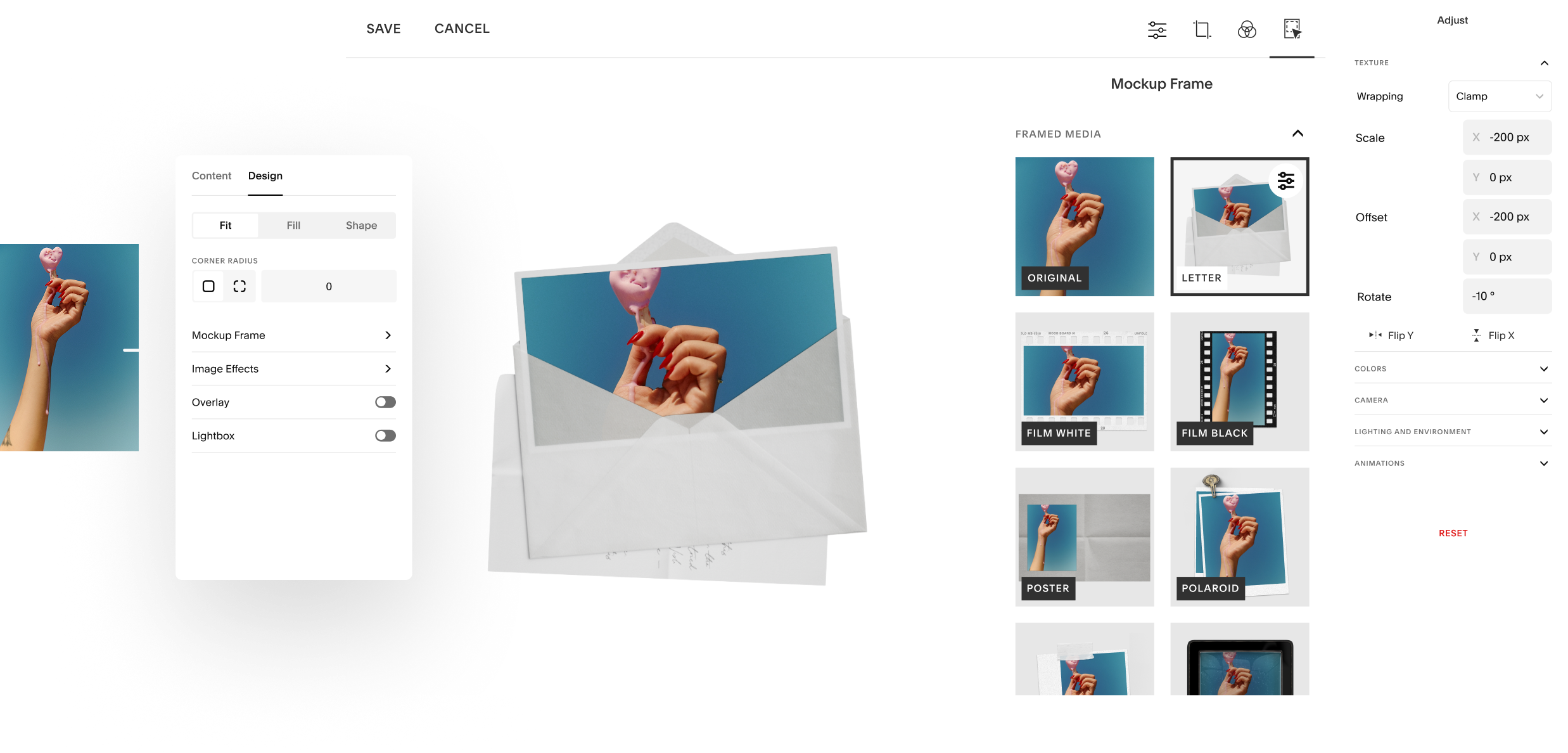
The product did not begin as a complete editor. It began with a series of UV-mapping experiments with the Unfold app.
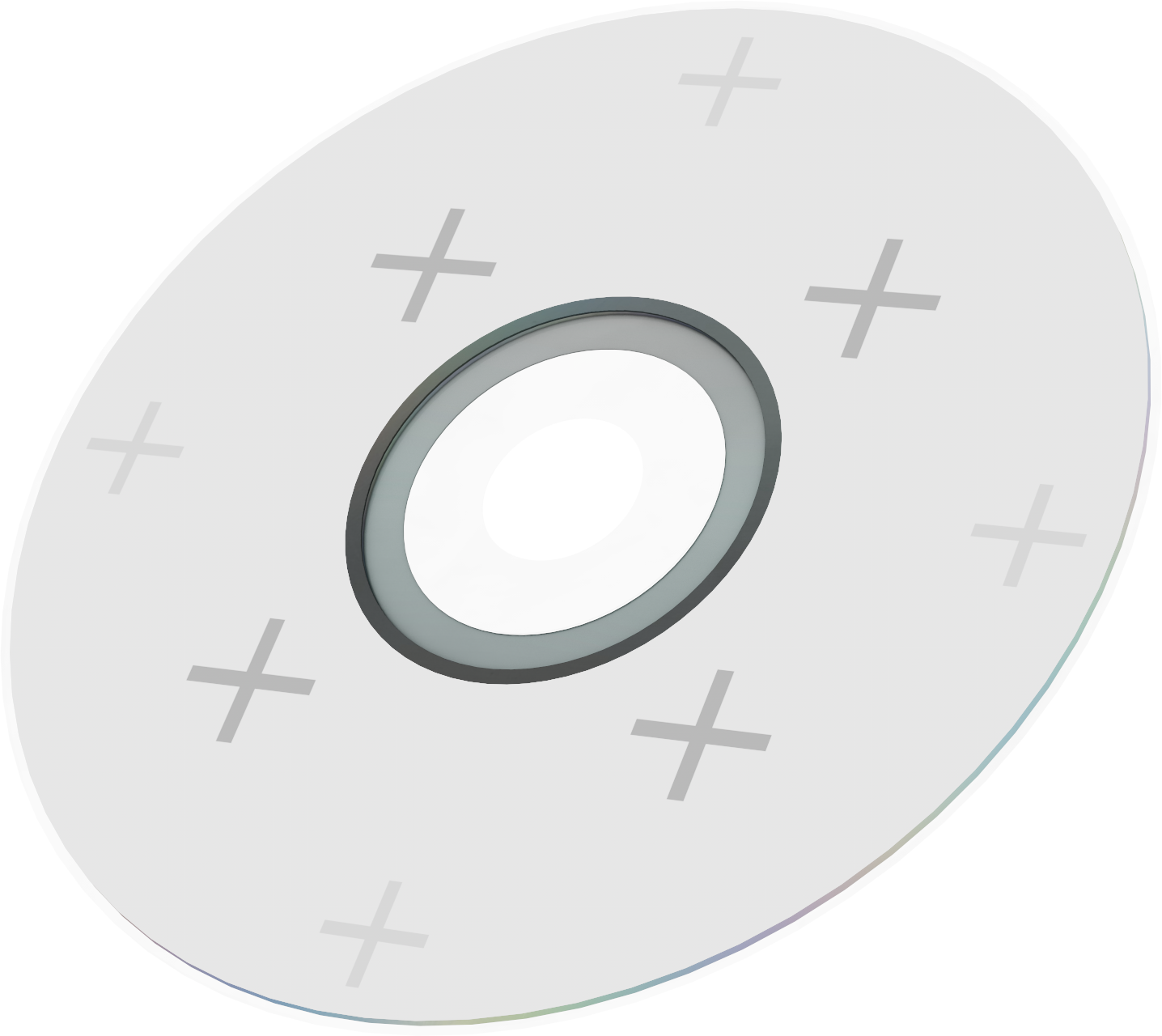
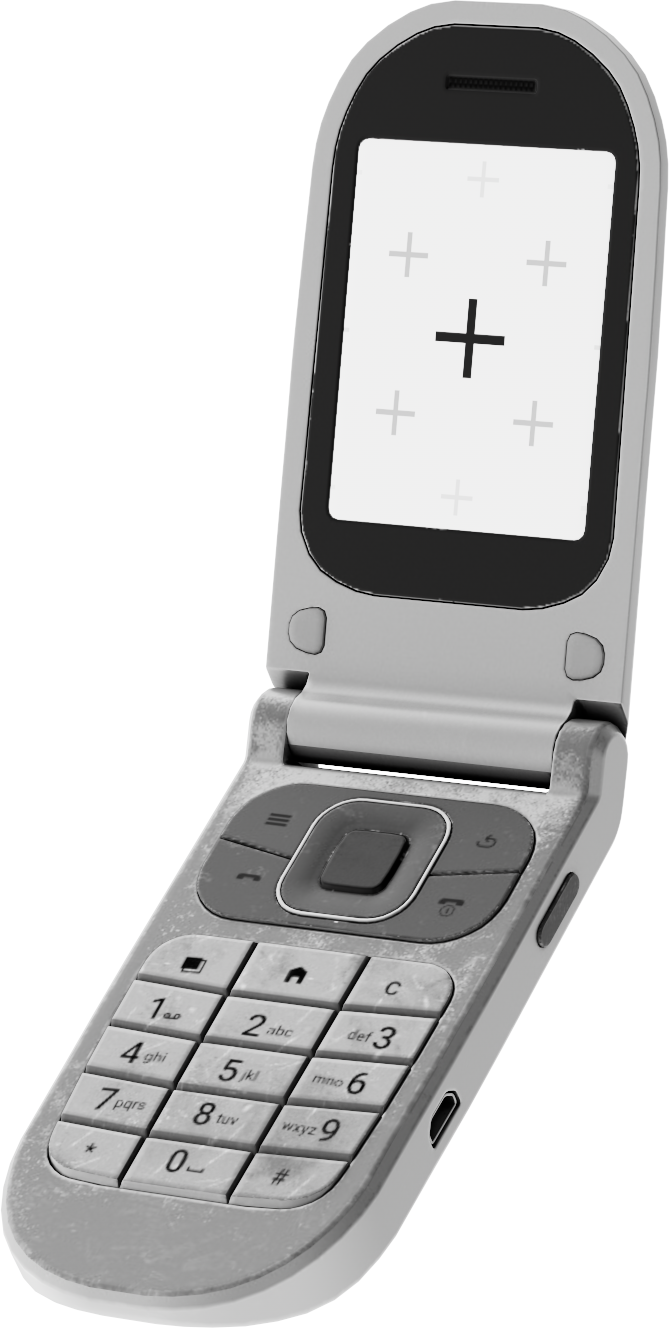
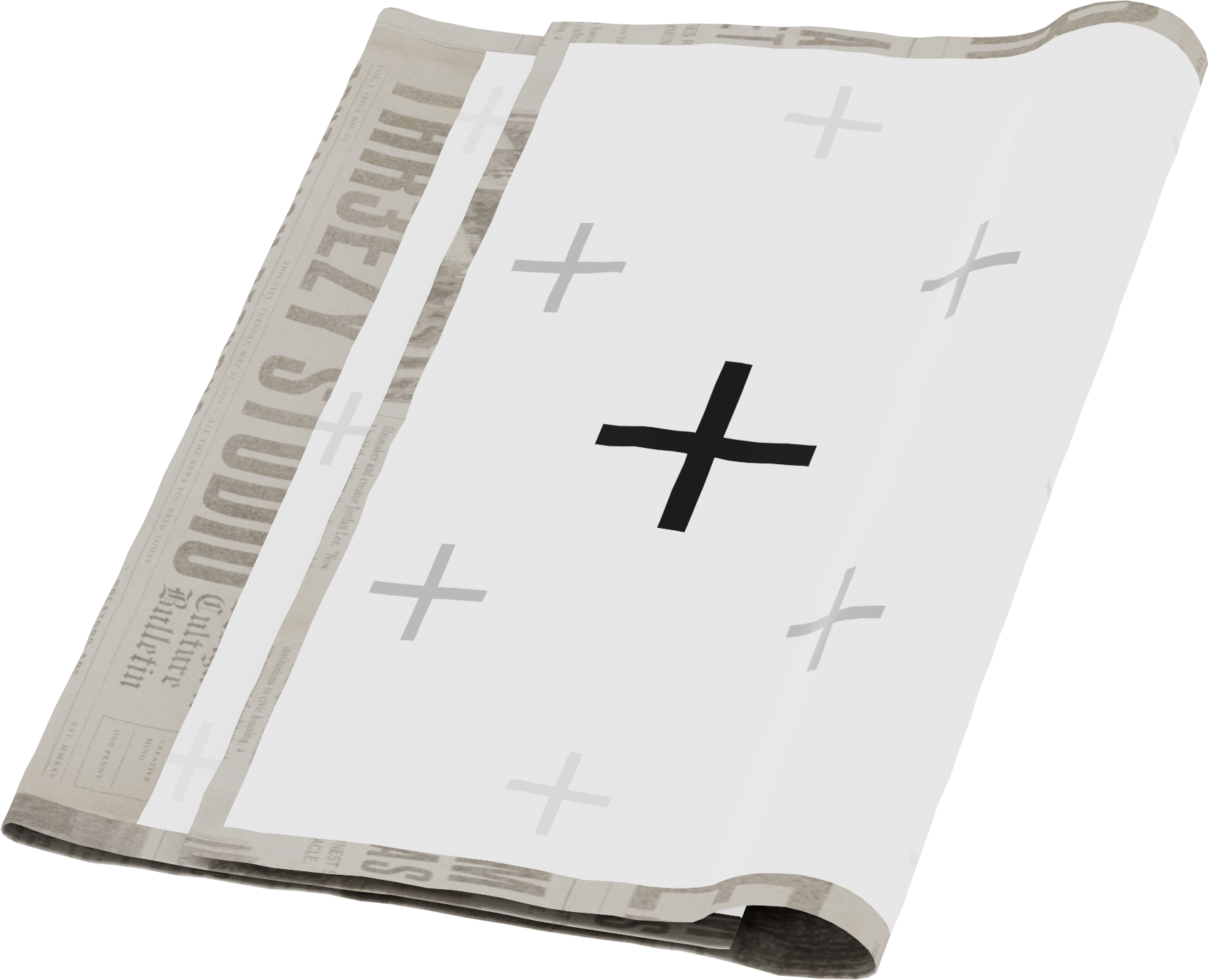
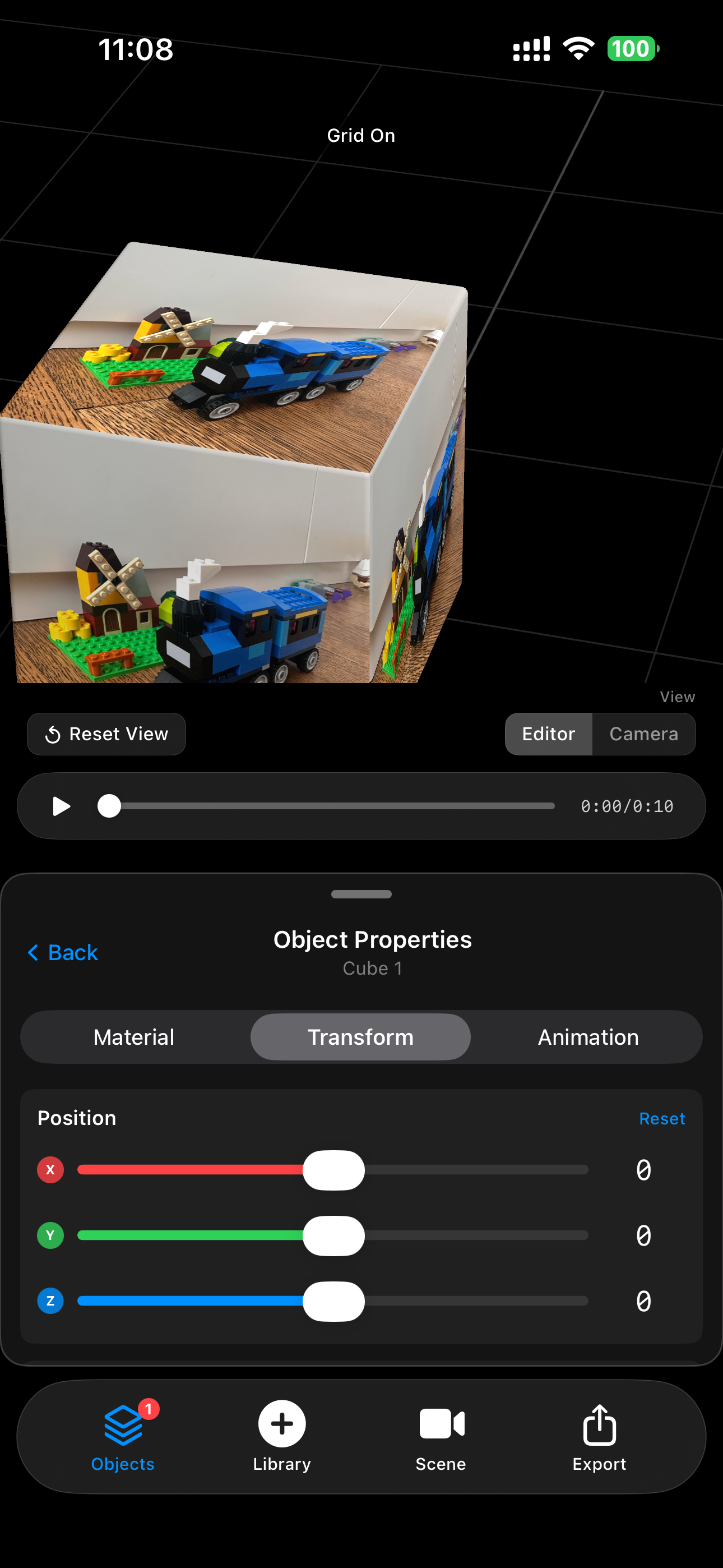
I was exploring what happened when I placed images and videos onto the surfaces of 3D objects: screens, pieces of paper, phones, televisions, planes, geometric shapes, and more experimental objects.
Conceptually, the interaction seemed simple. Choose a piece of media and place it on an object. Technically, it exposed an entire system of problems.
Every 3D asset interpreted media differently. UV islands could occupy only part of the available texture space. Screens had different physical proportions. Some models contained several materials or multiple media surfaces. Portrait videos appeared sideways. Images could stretch, crop, repeat, or become offset. A texture that looked correct in the live preview could appear differently in the exported video.
I spent a significant amount of time learning through trial and error: rebuilding UV maps, testing different meshes, comparing aspect ratios, correcting media orientation, and trying to make the same image behave consistently across very different objects.
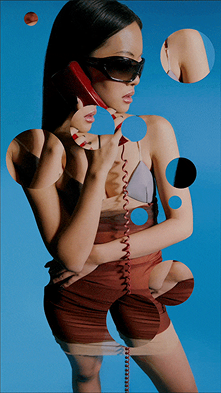
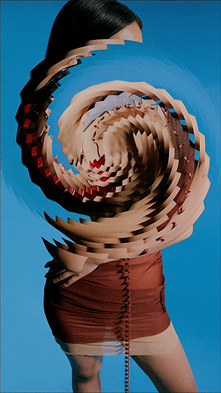
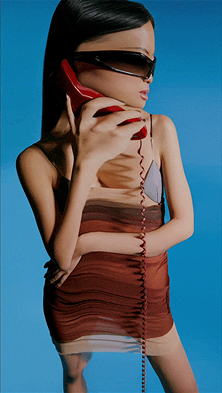
A UV map guides a computer in placing textures on a 3D model accurately, ensuring they appear correctly in the right places. It's like a flat pattern for the computer to follow.
Reel Templates work on Unfold using UV Mapping sequences to simulate 3D projection
of medias without animation engine
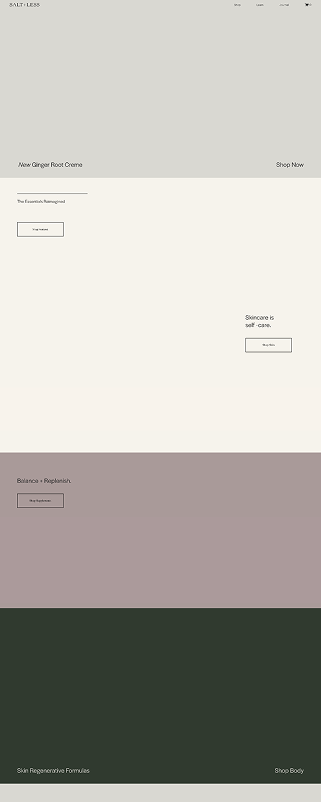
What we sell,
vs what you get
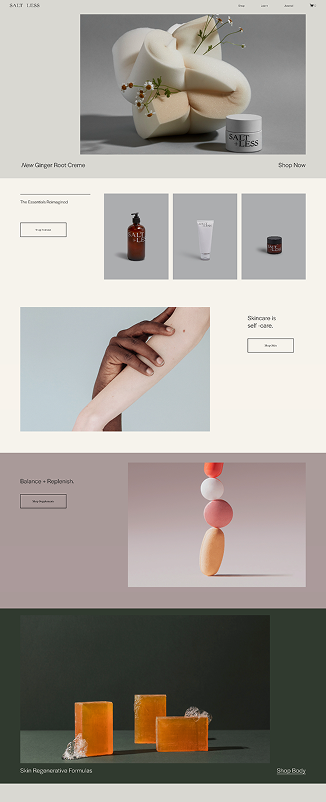
Another thing that was also stricking to me was how we tend to sell professional looking content without making anyone benefit from it.
Those experiments led to the
first major product insight:
Users should not have to understand UV maps. They should experience them as editable media slots.
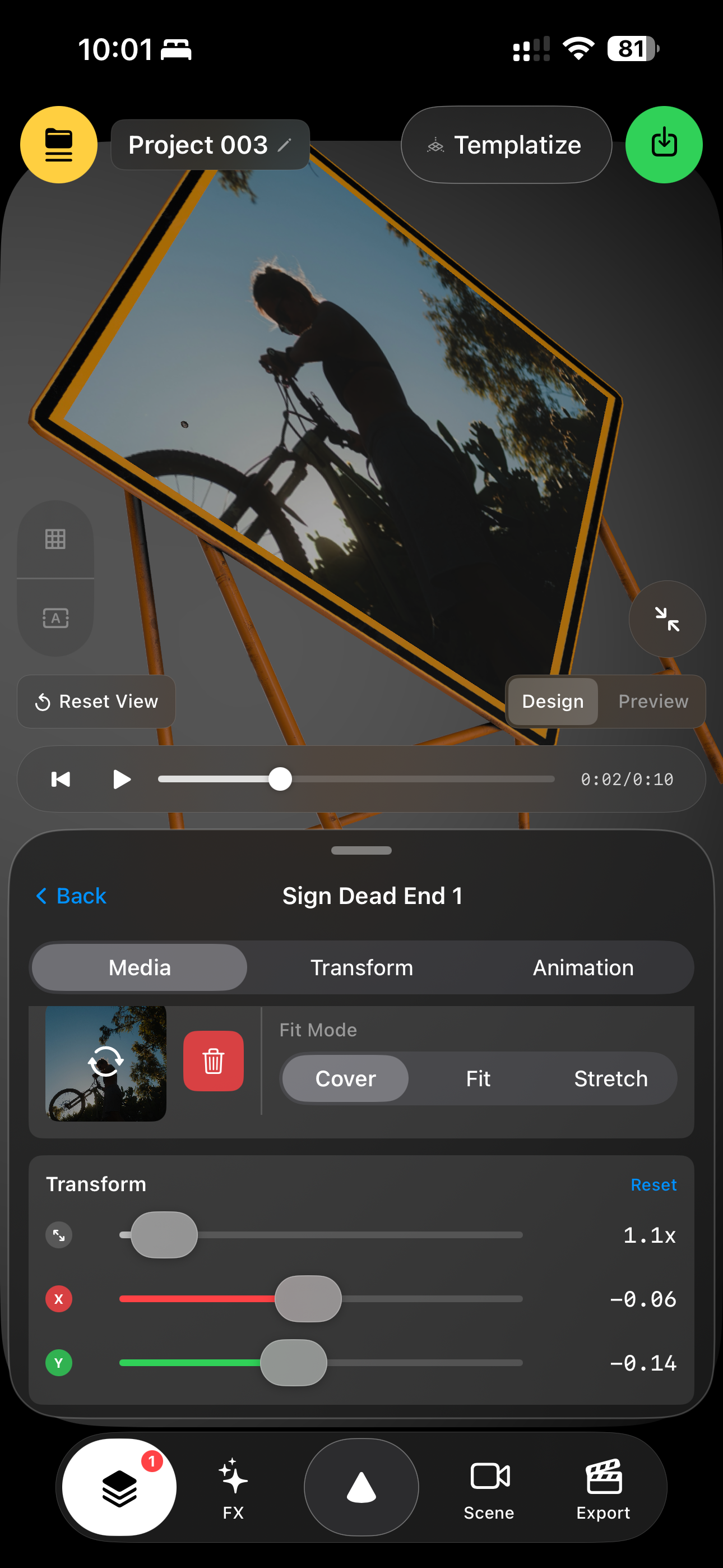
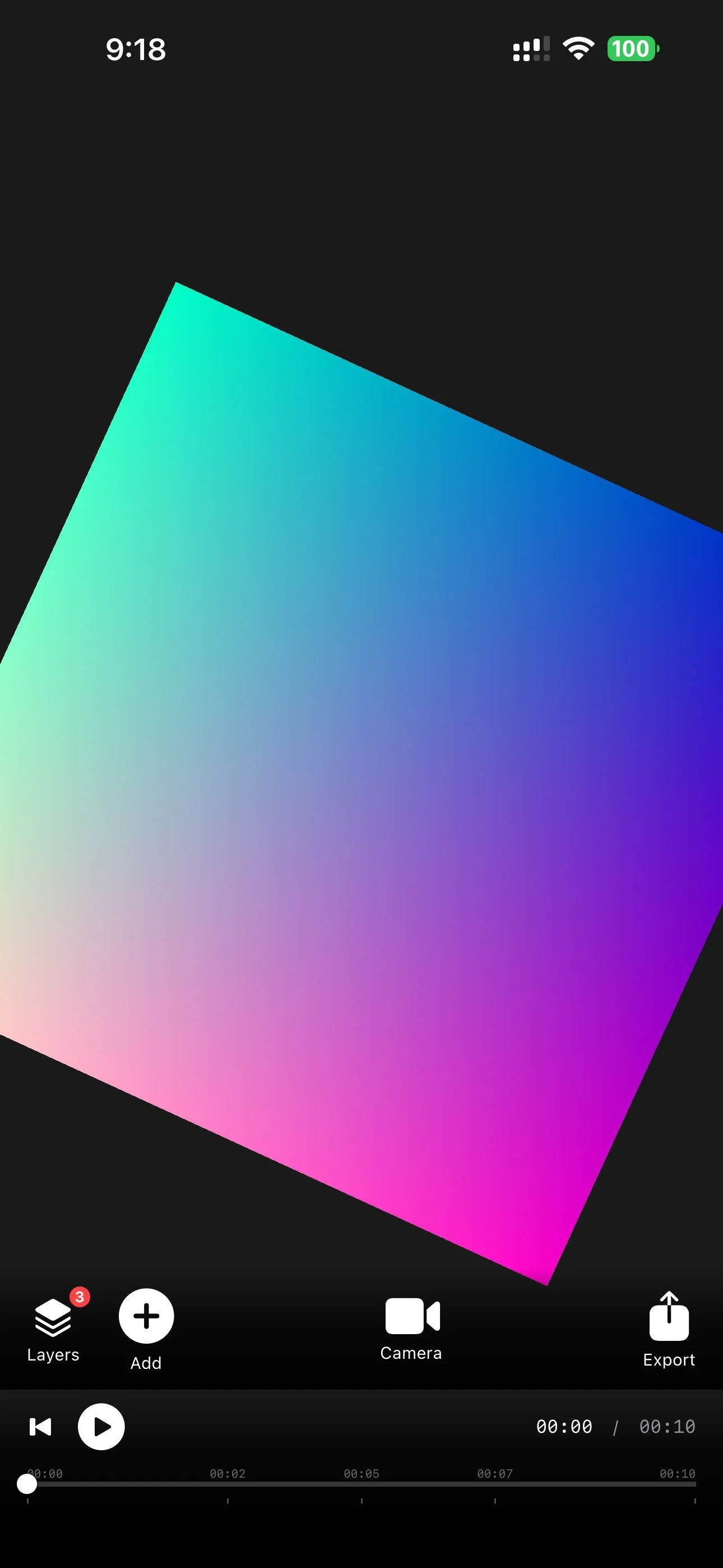
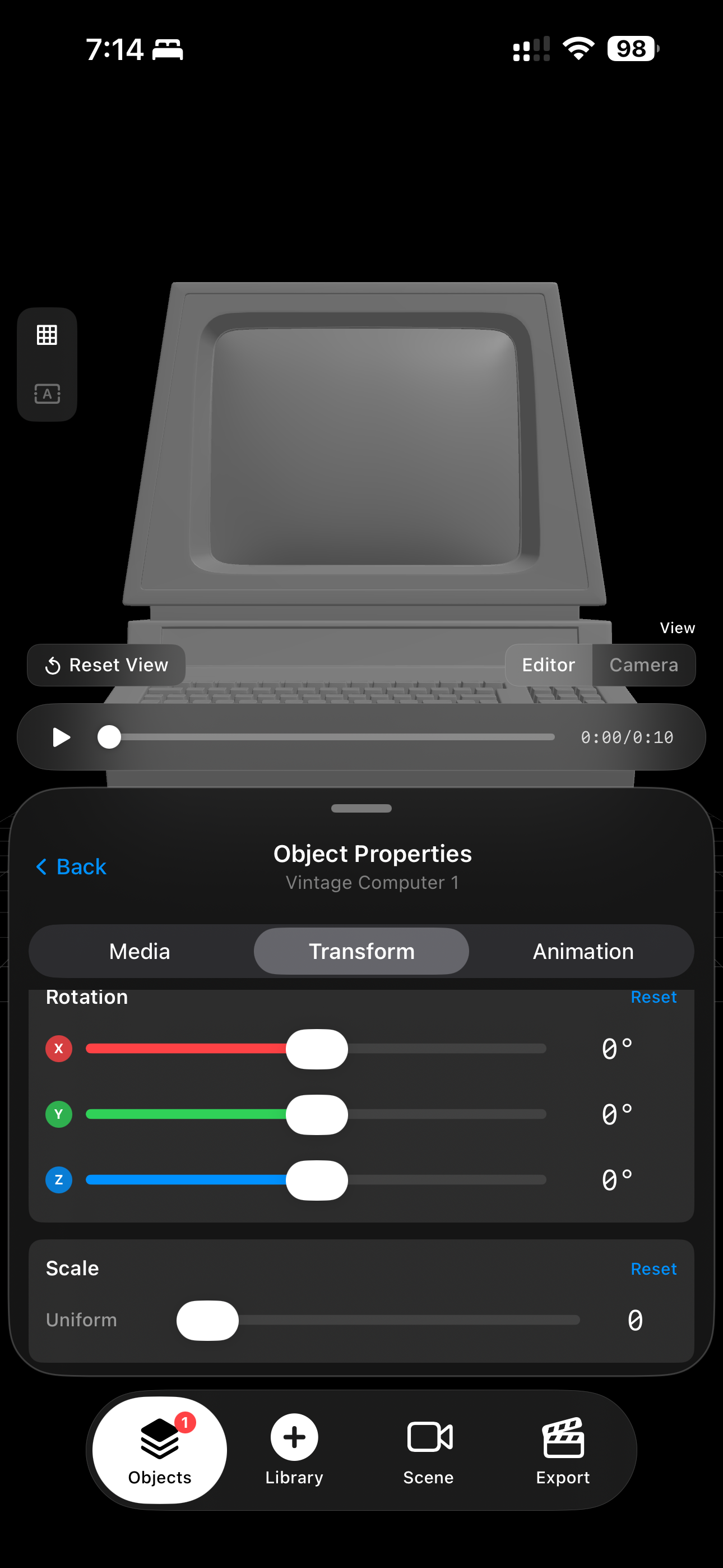
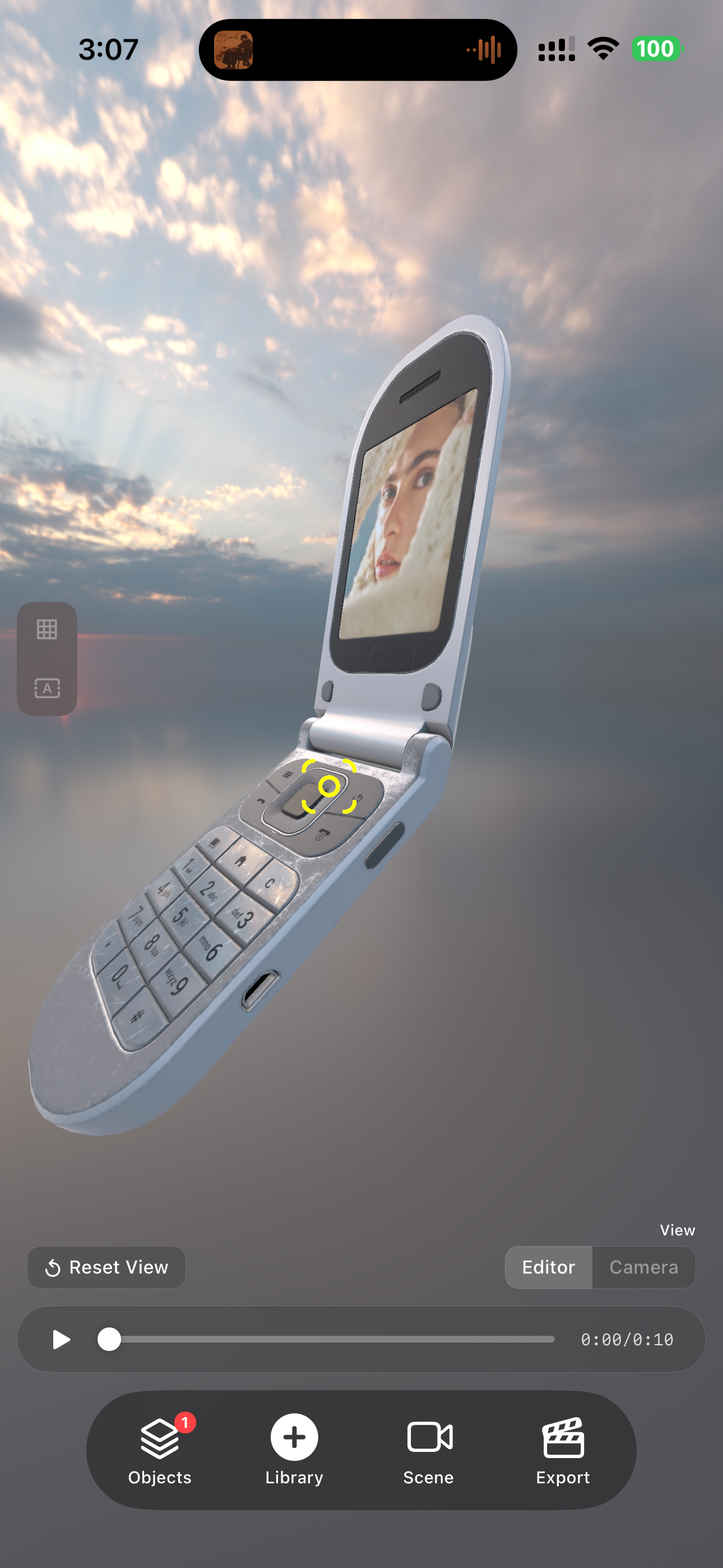
Instead of exposing the technical structure of the model, THR3EZY identifies the surfaces intended to receive content. A creator can insert an image or video, choose how it fits, reposition it, scale it, rotate it, trim it, loop it, or mute it.
This became one of the core principles of the product: translate technically complex 3D concepts into familiar creative controls without removing the creator’s agency.
Turning an experiment into a creation system
→
→
→
→
Once media could be mapped reliably onto different objects, the next challenge was making an entire scene reusable.
A useful 3D template could not simply store the final appearance of a video. It needed to preserve its structure:
The objects in the scene
Their position, rotation, and scale
Materials and media surfaces
Camera position, targeting, movement, and easing
Scene duration and timing
Environment lighting and background
Text overlays
Visual effects
Object groups and layouts
Animation settings
The media slots intended for replacement
The same scene definition also needed to power several different experiences: live editing, template customization, preview playback, offline video export, project persistence, and sharing.
This was important because I did not want templates to become a separate, simplified format that lost information. A template needed to remain connected to the complete project underneath it.
That architectural decision eventually made the product’s most important interaction possible: Remix.
2 modes
One of the hardest product-design questions was how to make THR3EZY approachable without making it rigid again.
Exposing every 3D control immediately would make the app intimidating. Hiding those controls would recreate the same limitation that motivated the product.
The solution was to separate the experience into two connected modes.
01 Projects
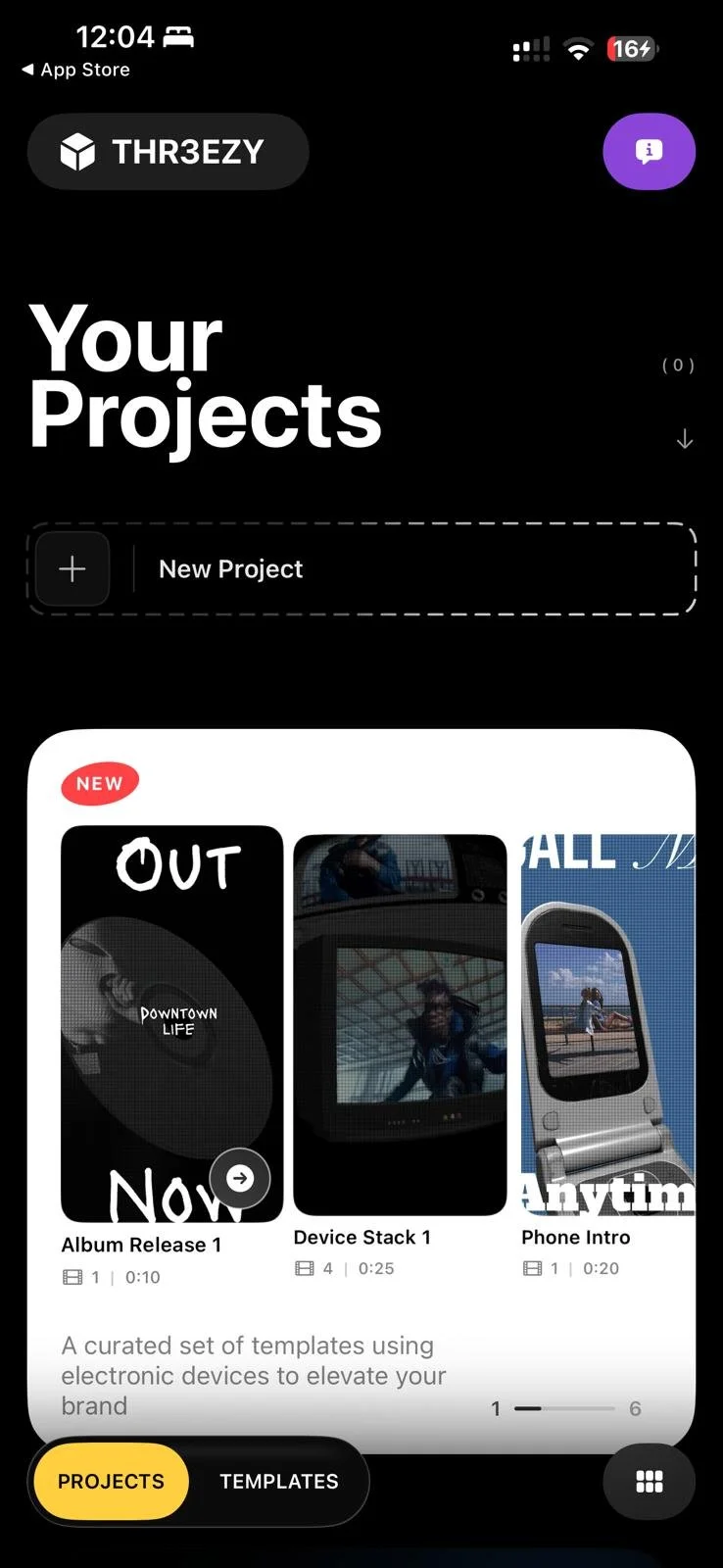
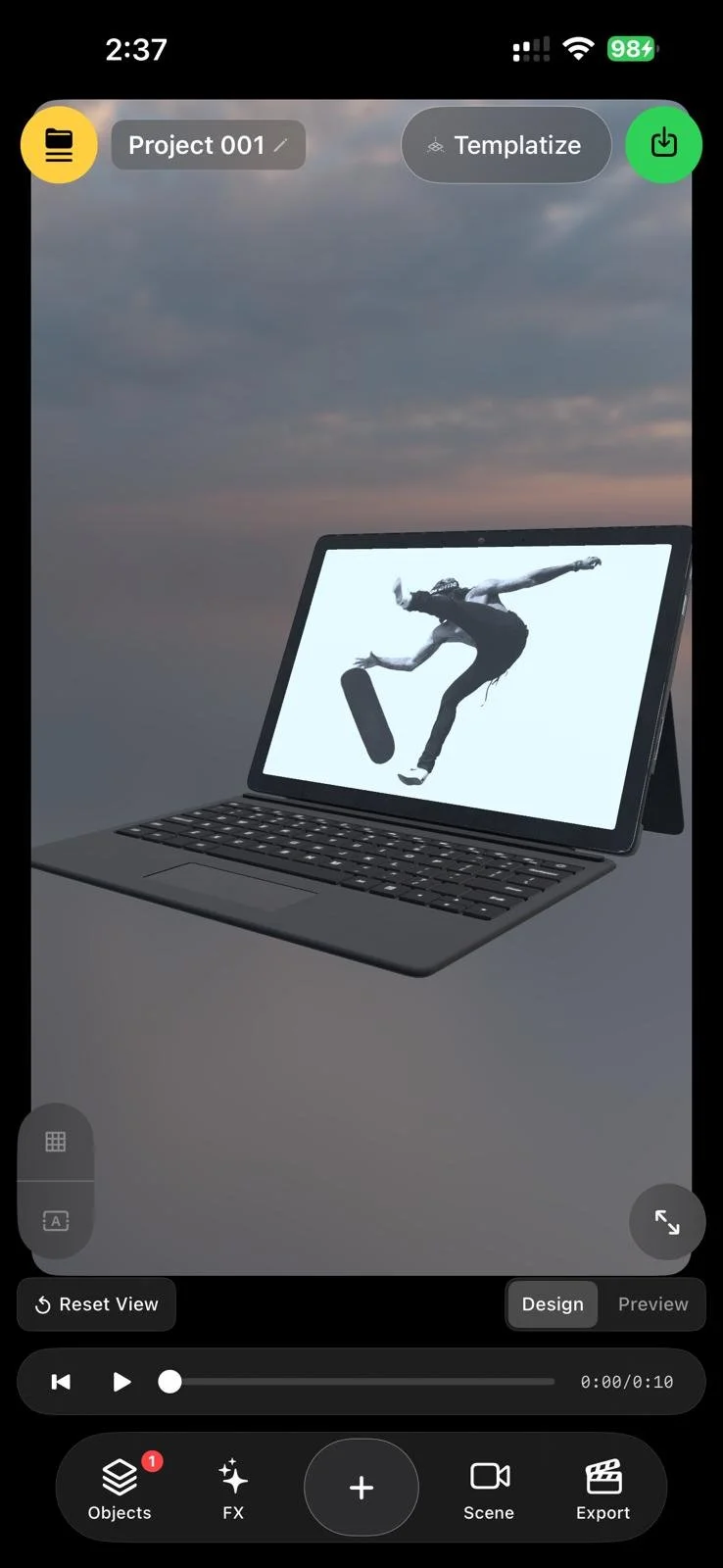
Projects are the full editor.
Creators can construct scenes from scratch, add and replace objects, edit materials, map media, organize layers and groups, animate objects, adjust the camera, change environments, add text and effects, and control the final export.
This mode is designed for authorship. It exposes the system underneath the composition.
02 Templates
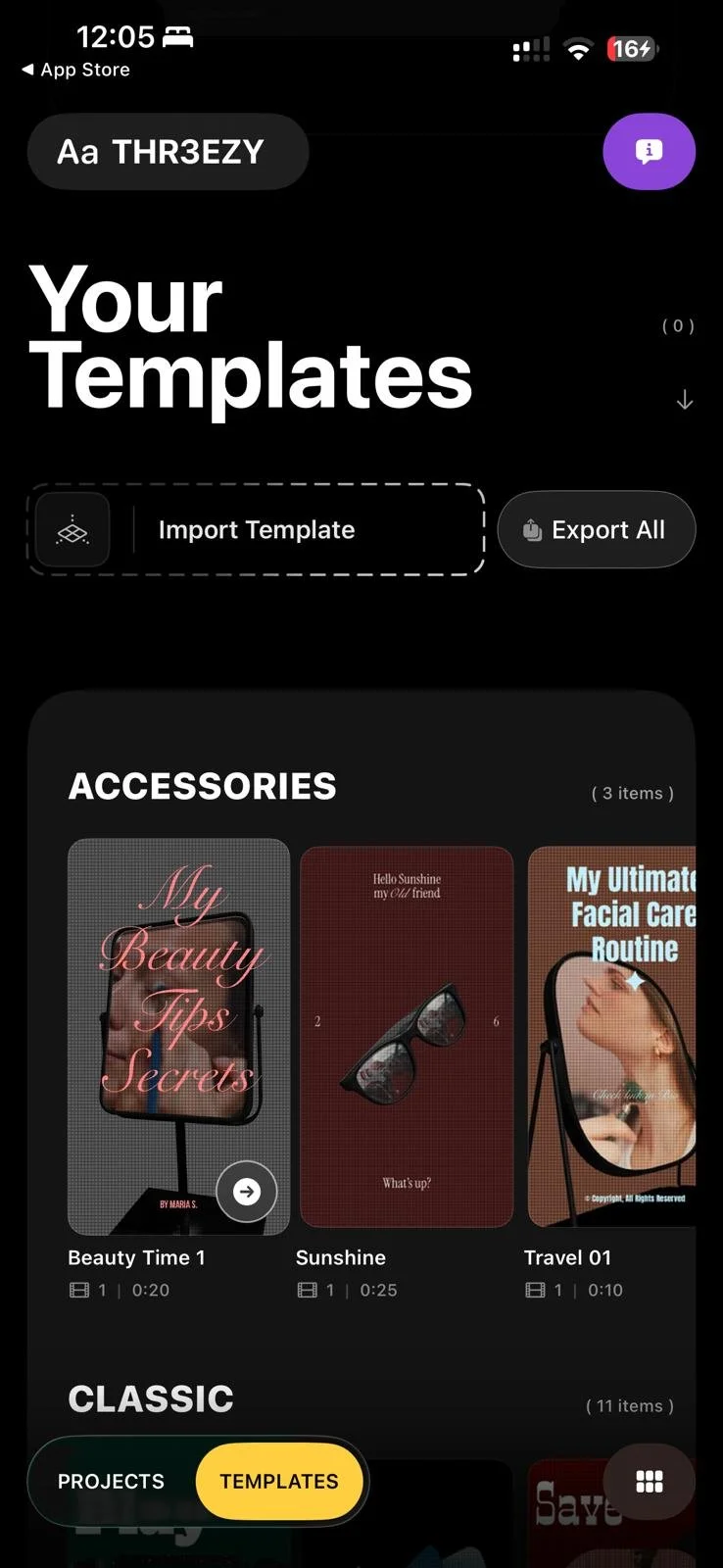
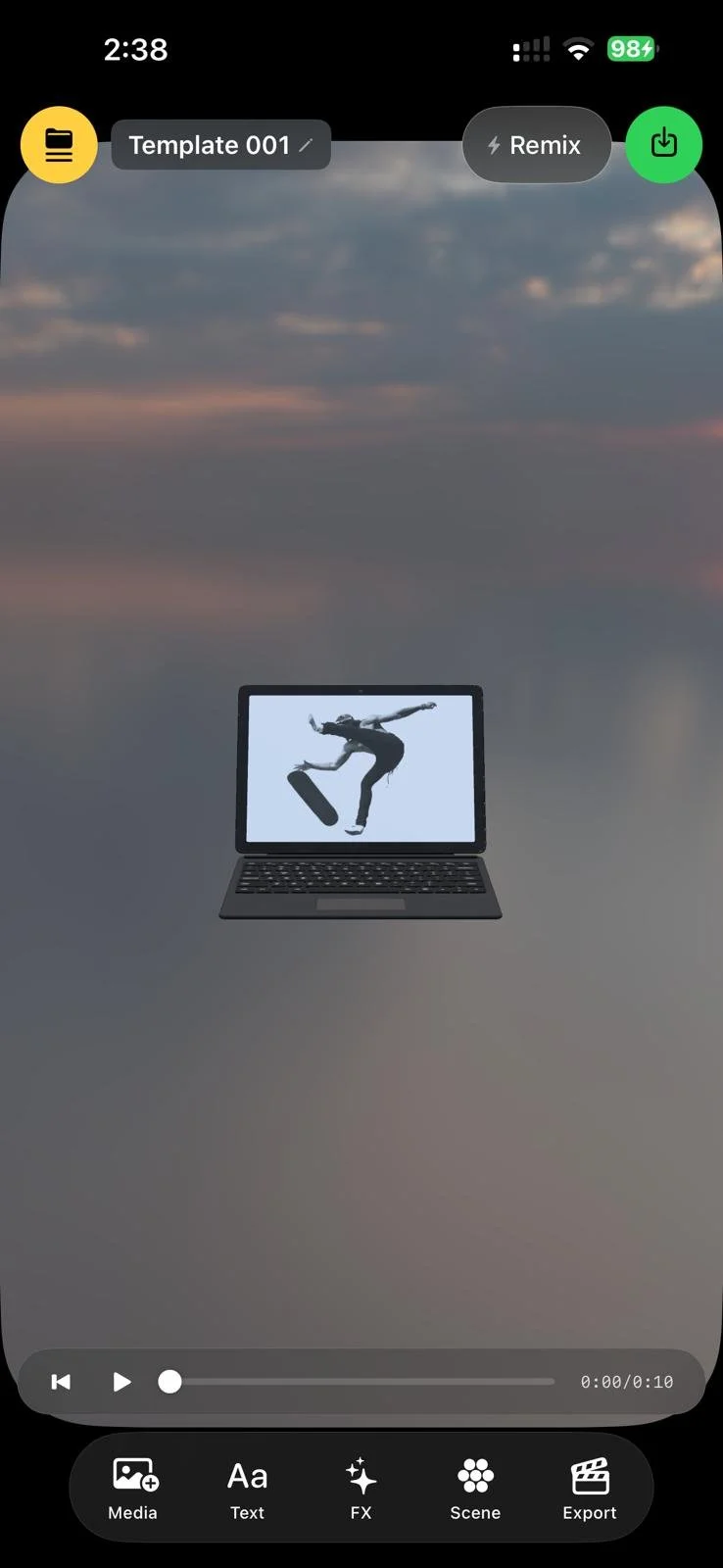
Templates provide a more focused experience.
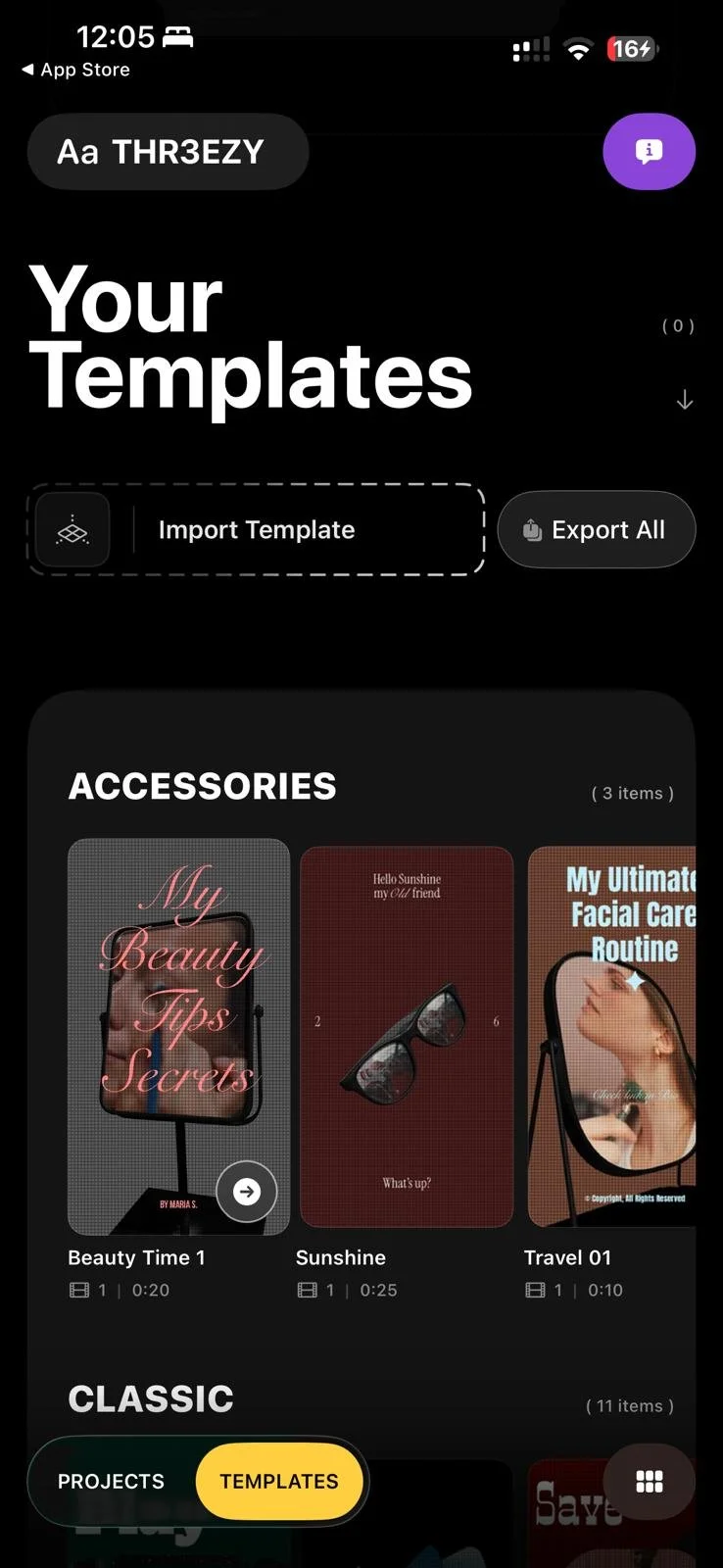
Instead of navigating the complete scene graph, someone can replace the intended images or videos, edit text, adjust selected scene properties, preview the result, and export a finished vertical video.
This preserves the speed that makes template products useful.
The difference is that the simplified experience is not a dead end.
Remix: revealing the system underneath
At any point, a creator can Remix a template.
Remix converts it into a complete editable project, revealing its objects, camera movements, media surfaces, animations, groups, materials, and timing.
Someone can swap an object, rewrite an animation, alter the composition, change what the camera targets, or rebuild the parts of the template they did not like.
The template becomes a starting point rather than a final answer.
This directly addressed the frustration I experienced with conventional template tools. THR3EZY does not force users to choose between convenience and control. It lets them begin with convenience and progressively reveal control when they need it.
Making templates shareable without flattening them
I also wanted templates to move between people as easily as a social link.
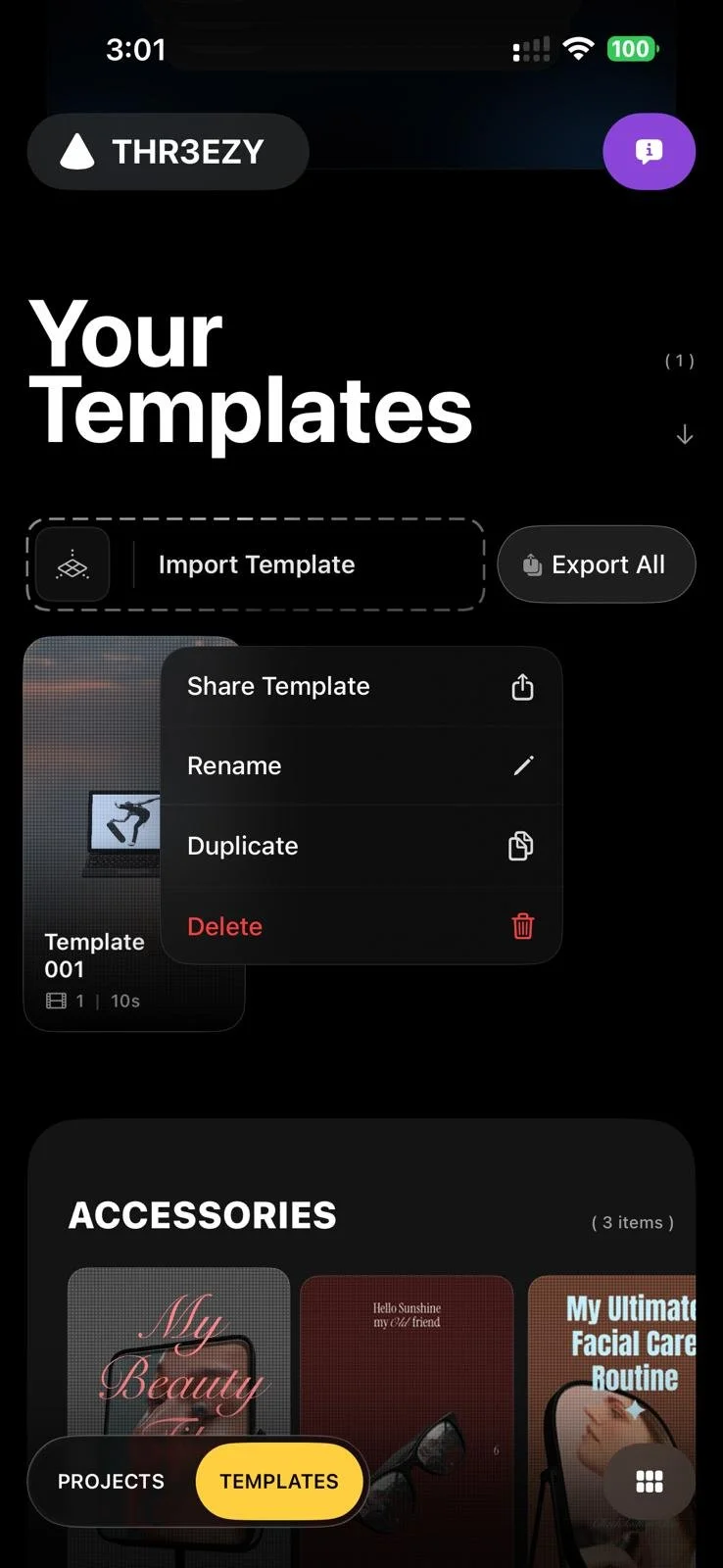
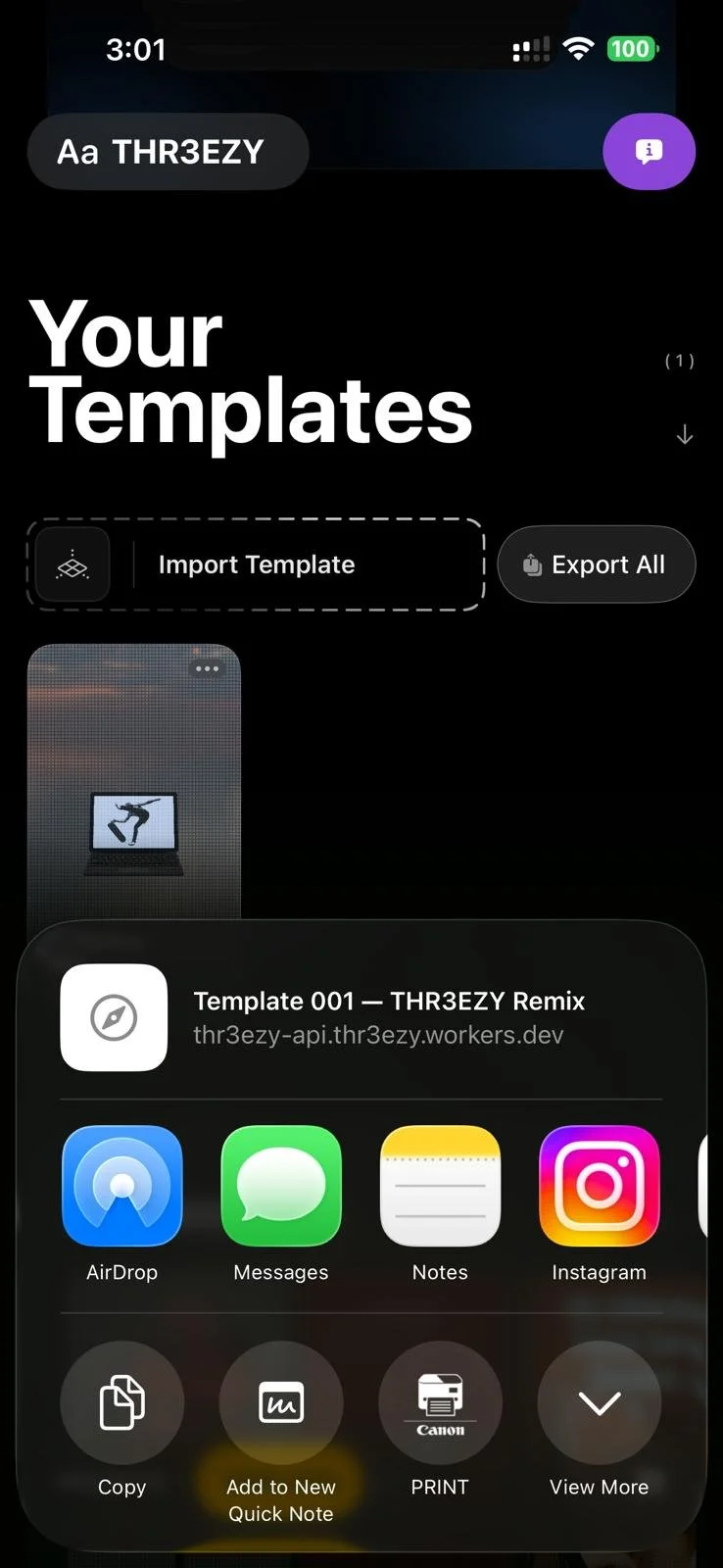
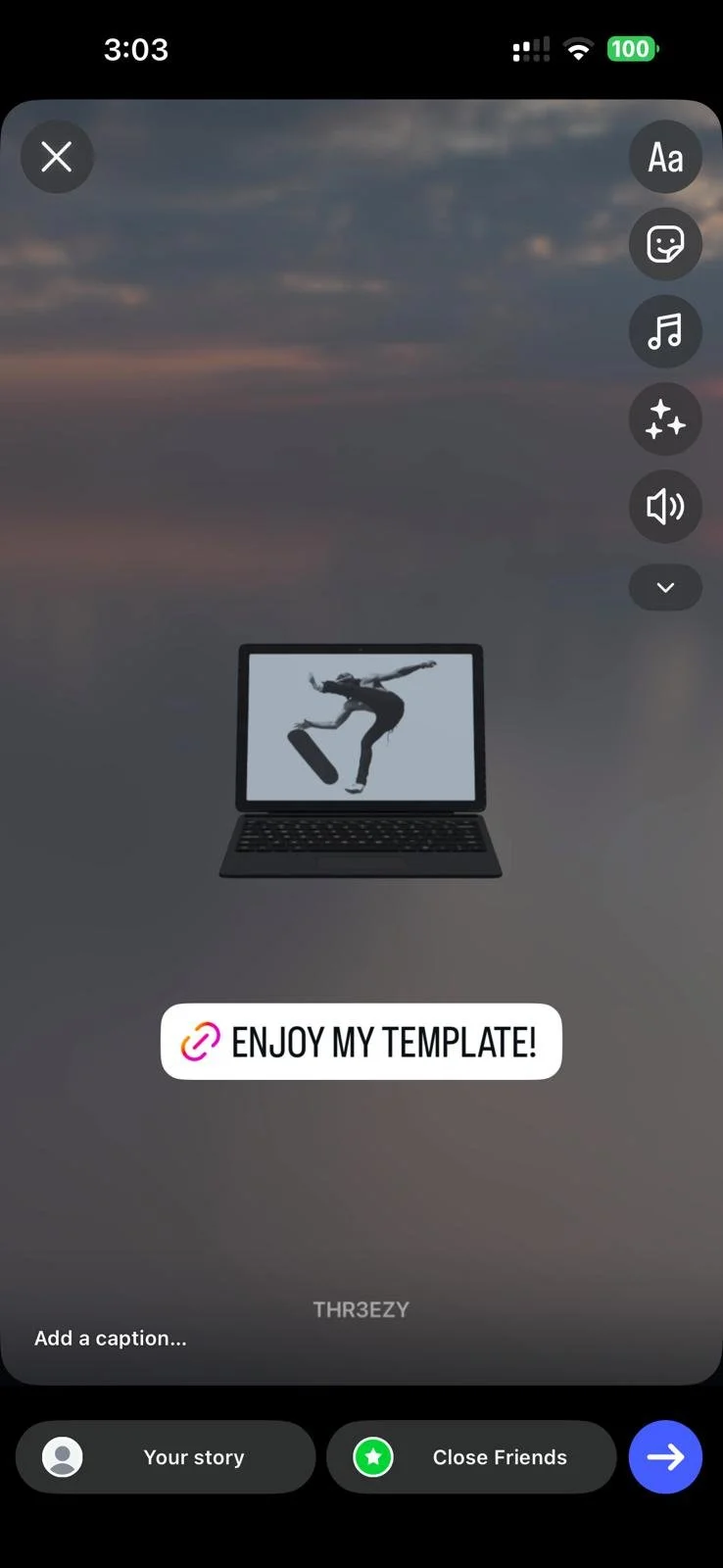
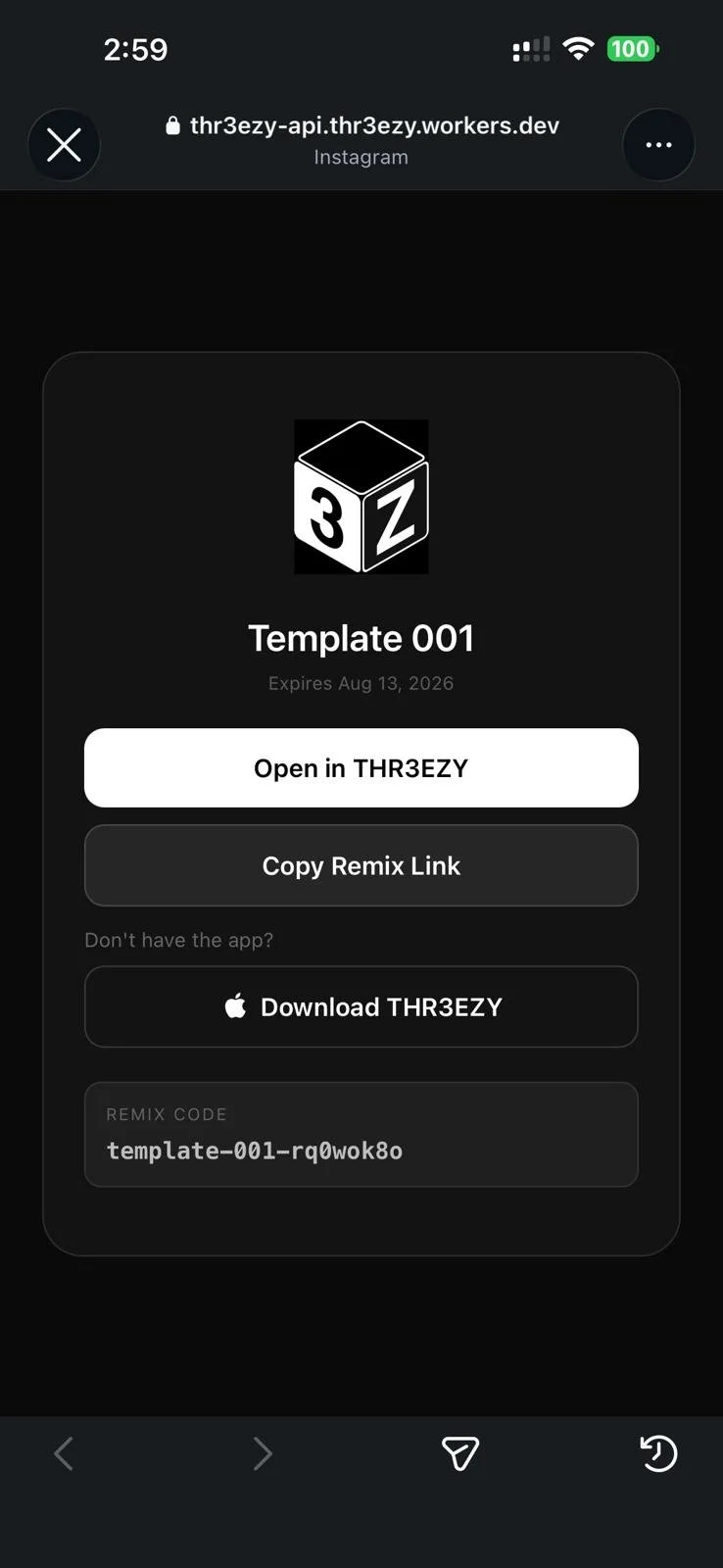
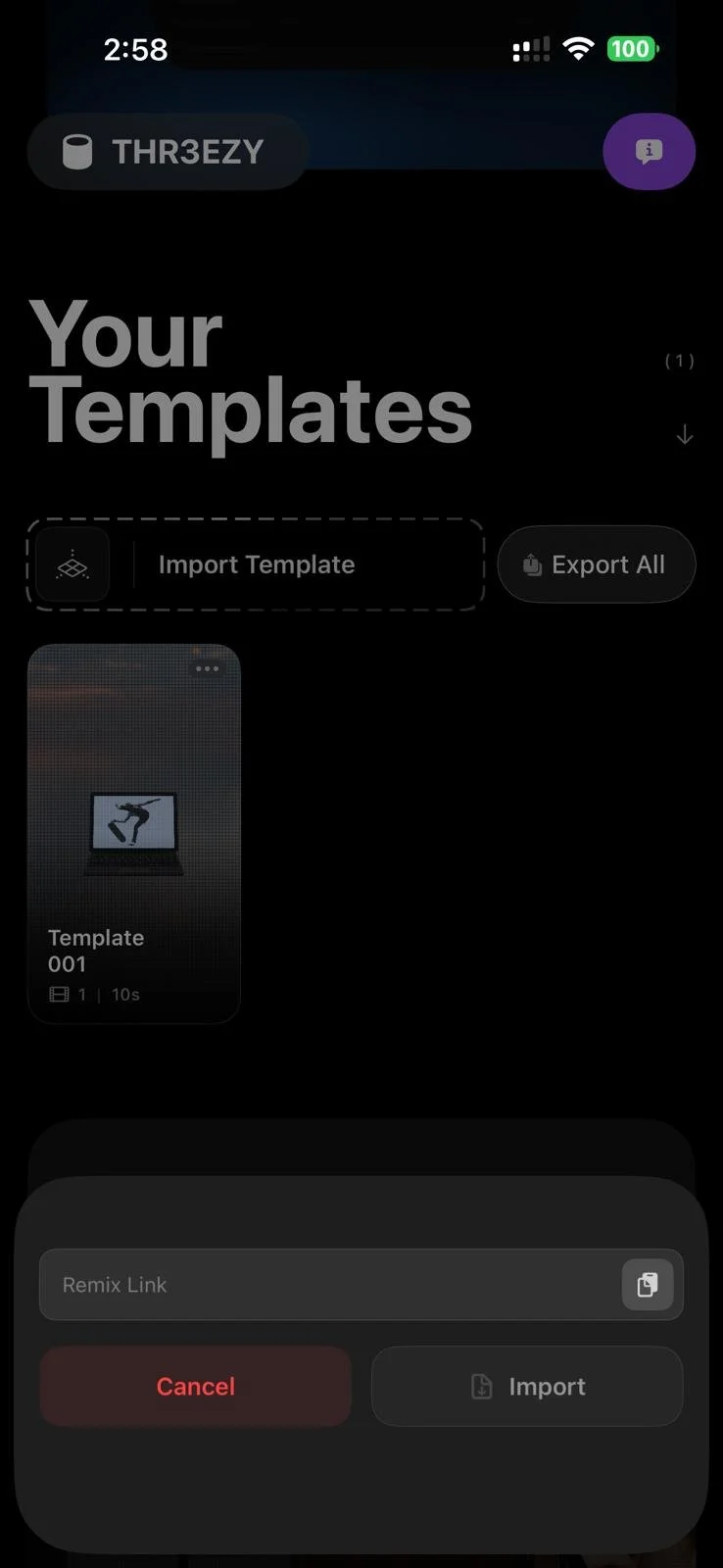
A creator can turn a project into a template and generate a simple Remix Link. When another person opens that link, THR3EZY imports the editable scene configuration and presents it in Template Mode.
The recipient can add their own media, customize the available controls, export a video, or Remix the template to inspect and modify the entire project.
The link shares the creative system rather than only the rendered result.
This changes the role of a template. It is no longer just a preset distributed by the app developer. It can become a format through which creators teach techniques, exchange compositions, publish reusable scenes, and build on one another’s work.
A finished video can show what was made. A Remix Link can show how it was made.
→
→
→
→
Designing
for
the iPhone
THR3EZY was built around the limitations and strengths of the iPhone rather than treating mobile as a reduced desktop environment.
The interface uses a vertical 9:16 canvas because the primary output is designed for TikTok, Instagram Reels, and other short-form platforms. Controls are organized into focused bottom drawers rather than permanent desktop panels. The editor separates a free Design camera from the final Preview camera, allowing users to move around the scene without accidentally changing the exported composition.
Long operations such as media import and video export surface progress instead of blocking the interface. Preview resources are managed differently from offline export resources so the editor can remain responsive while the final render can prioritize quality.
I also treated preview and export consistency as a product requirement rather than only an engineering concern. Camera movement, object animation, media timing, text placement, lighting, and effects need to produce the same result every time.
A creator should be able to trust that the scene they designed is the scene that will be exported.
This deterministic approach was especially important because THR3EZY is positioned as a craft tool rather than a generative system. The same inputs should produce the same video.
From a Vercel Prototype
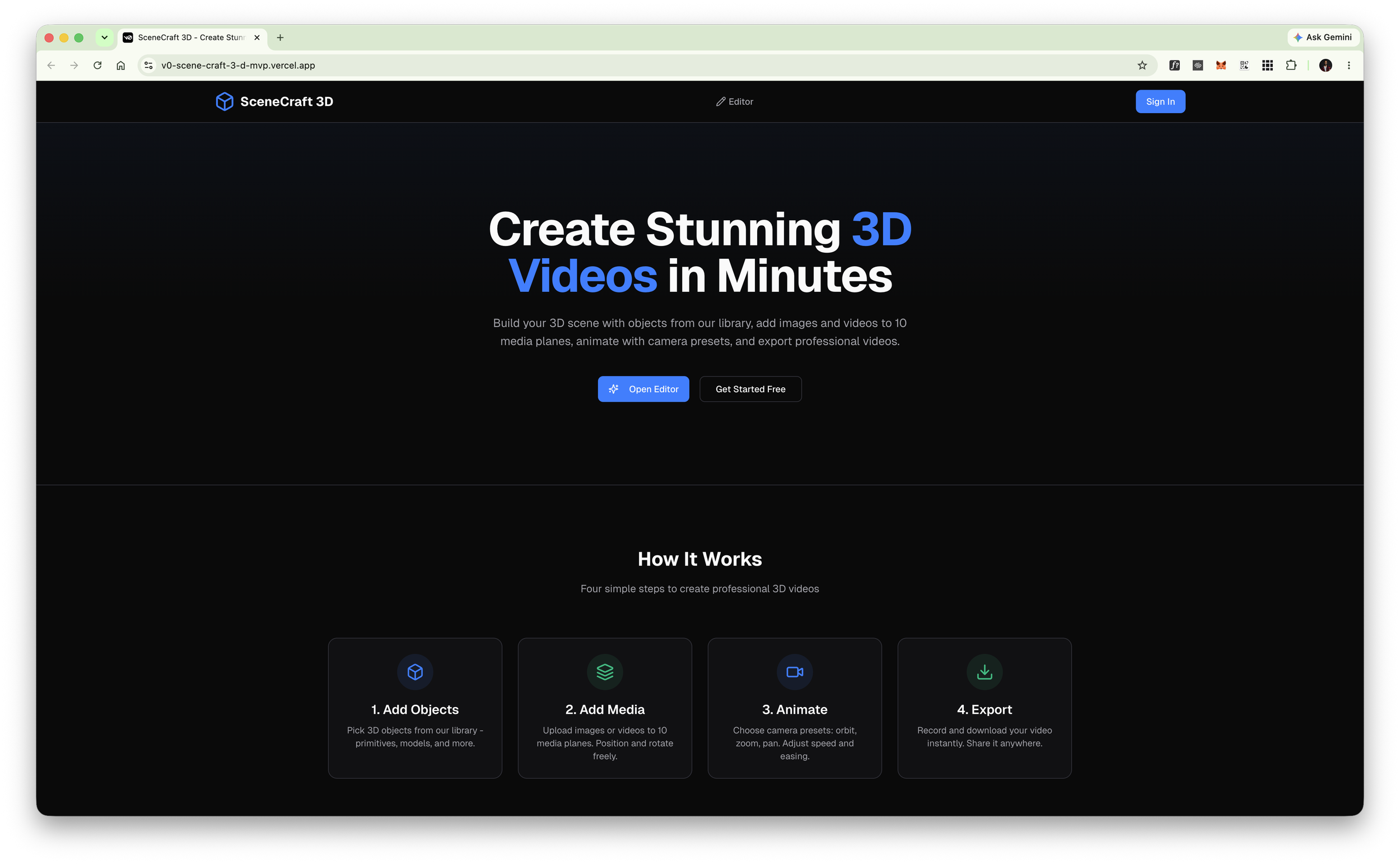
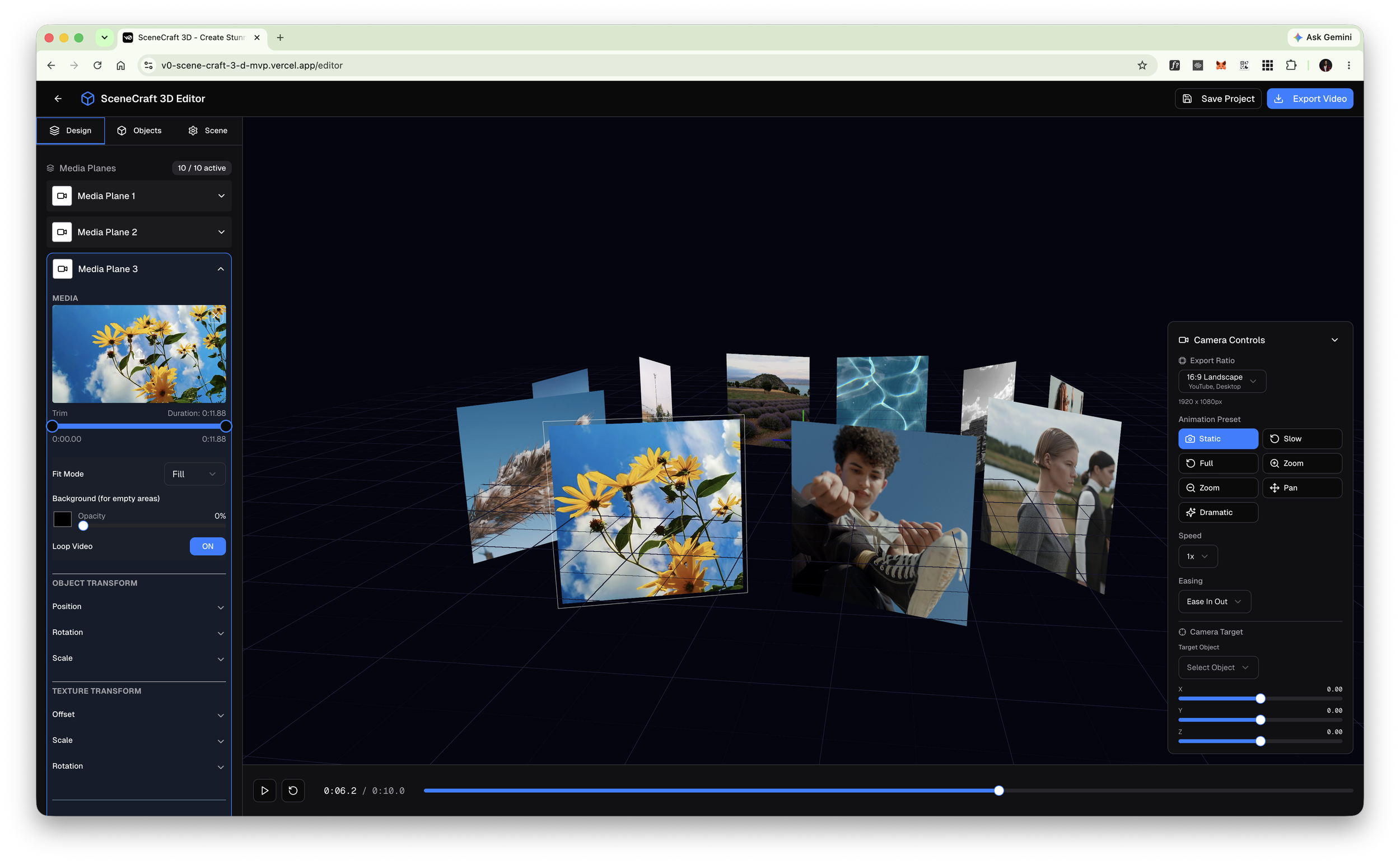
To
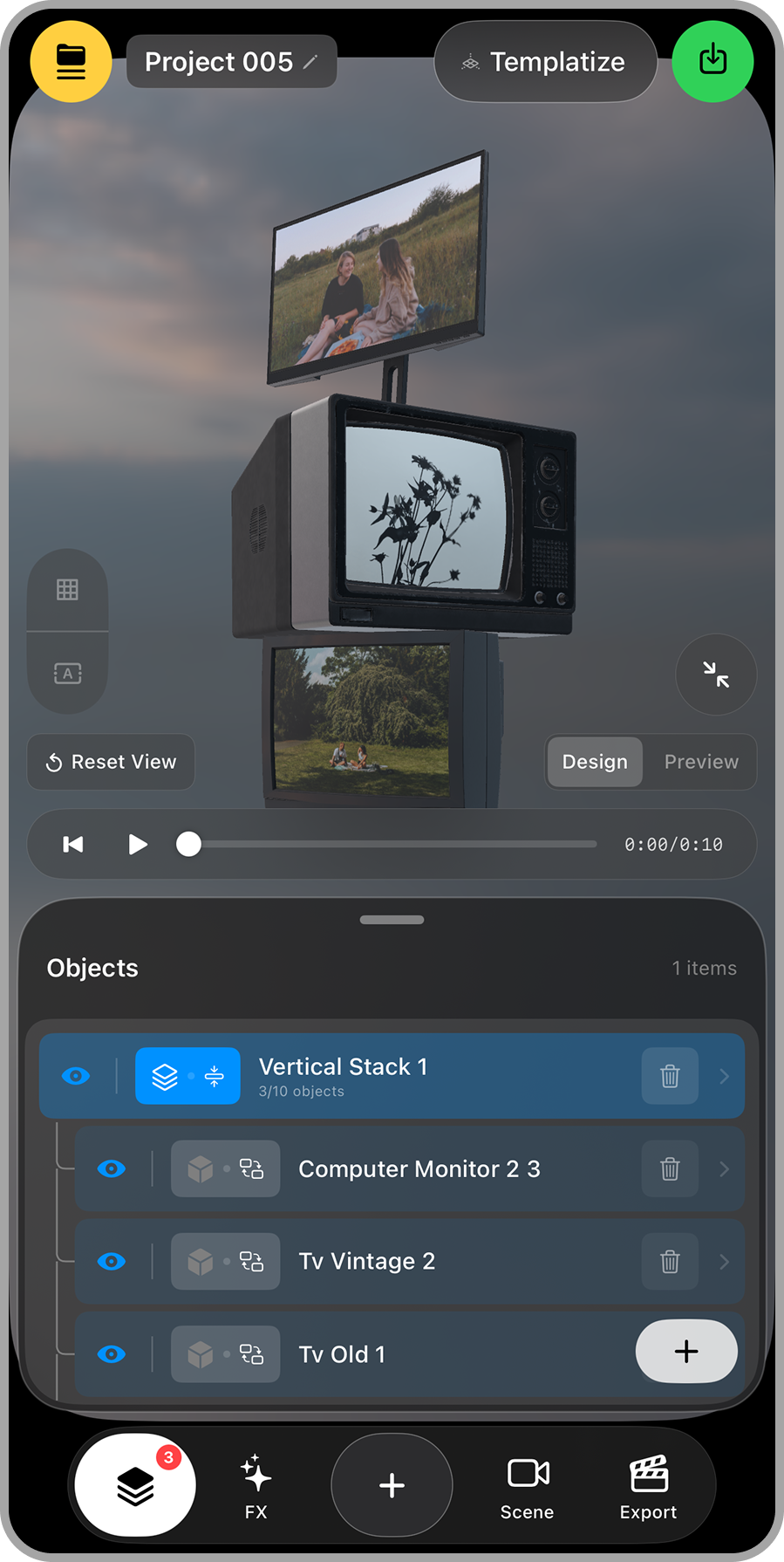
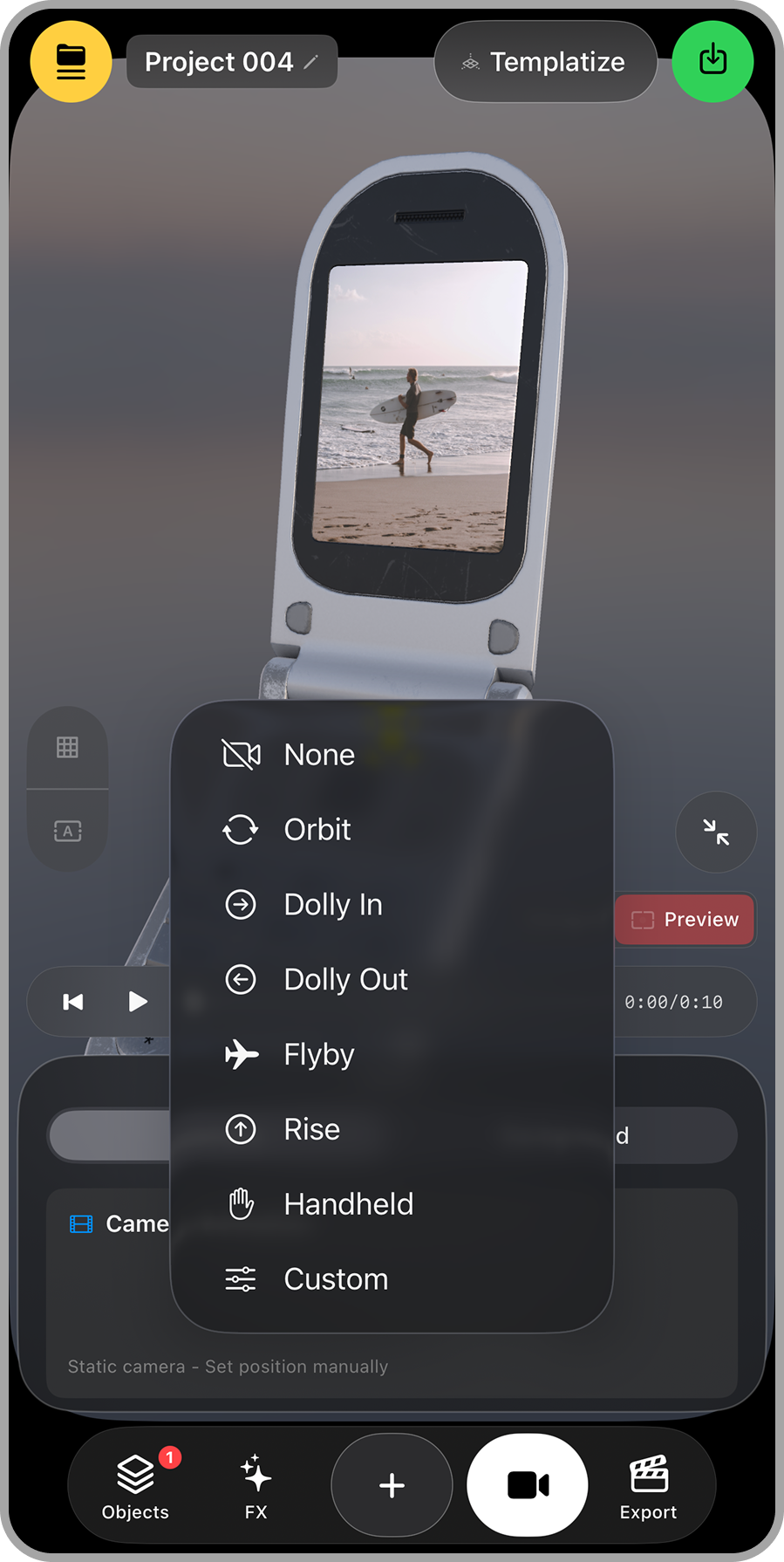
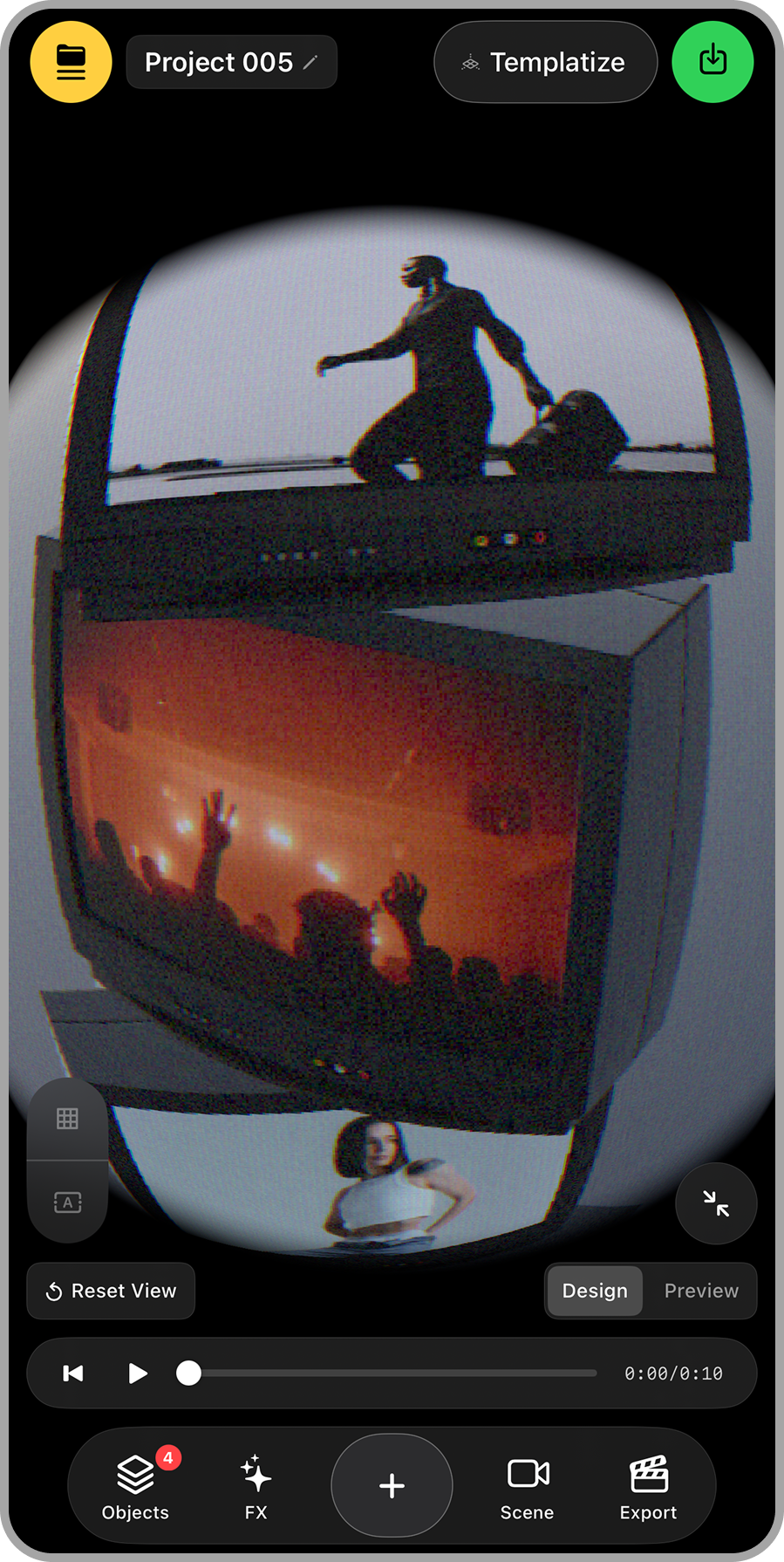
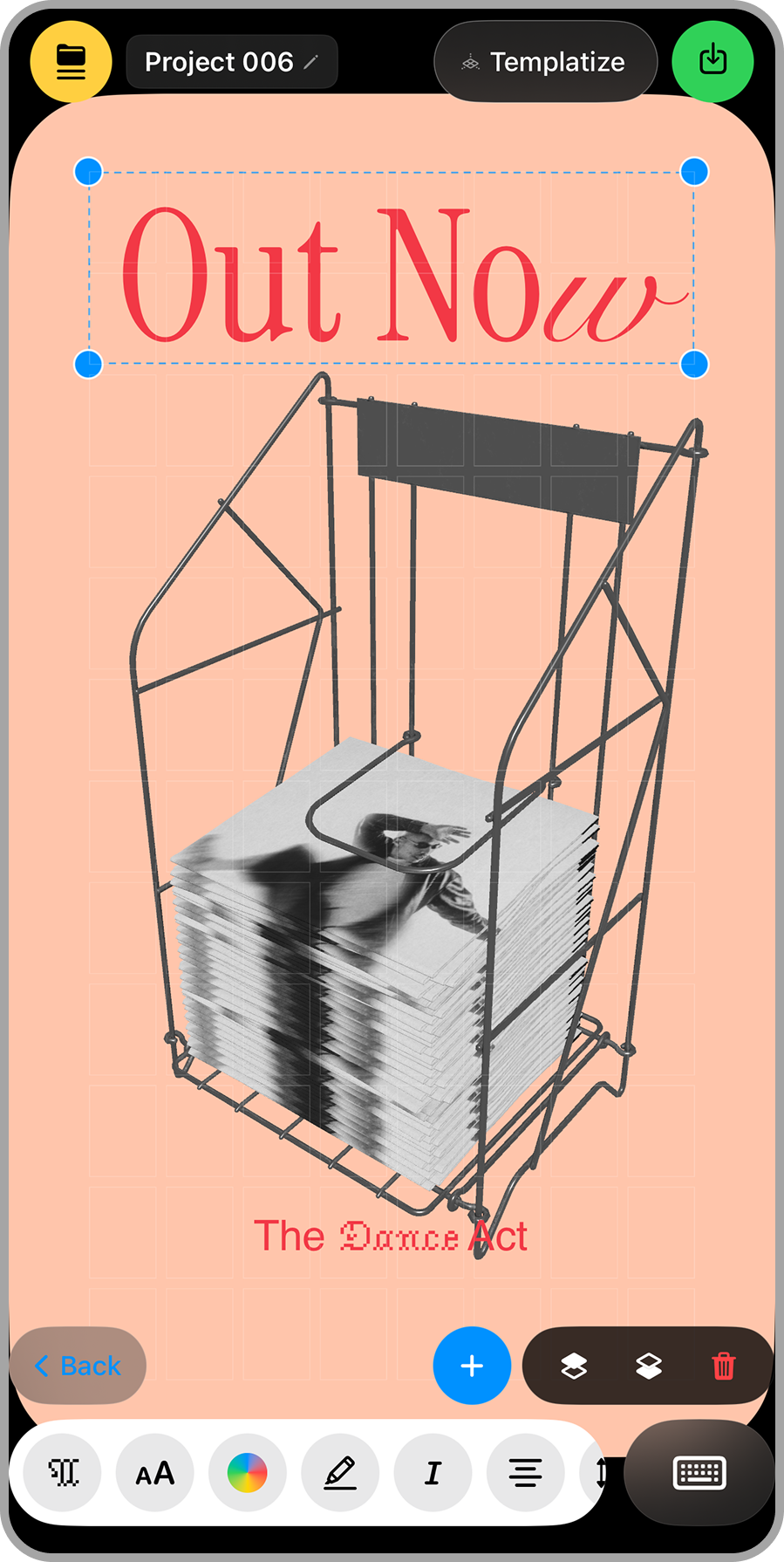
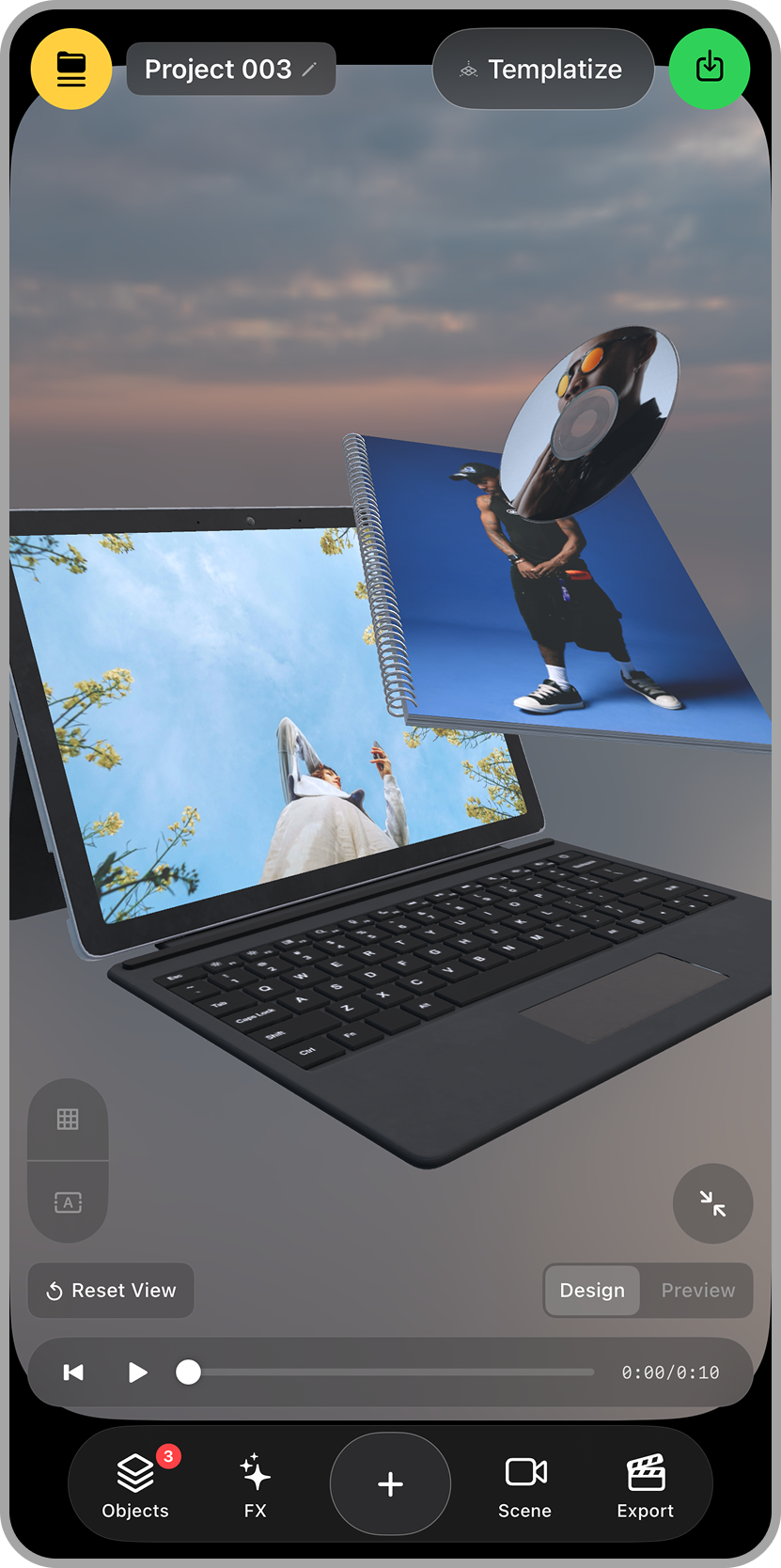
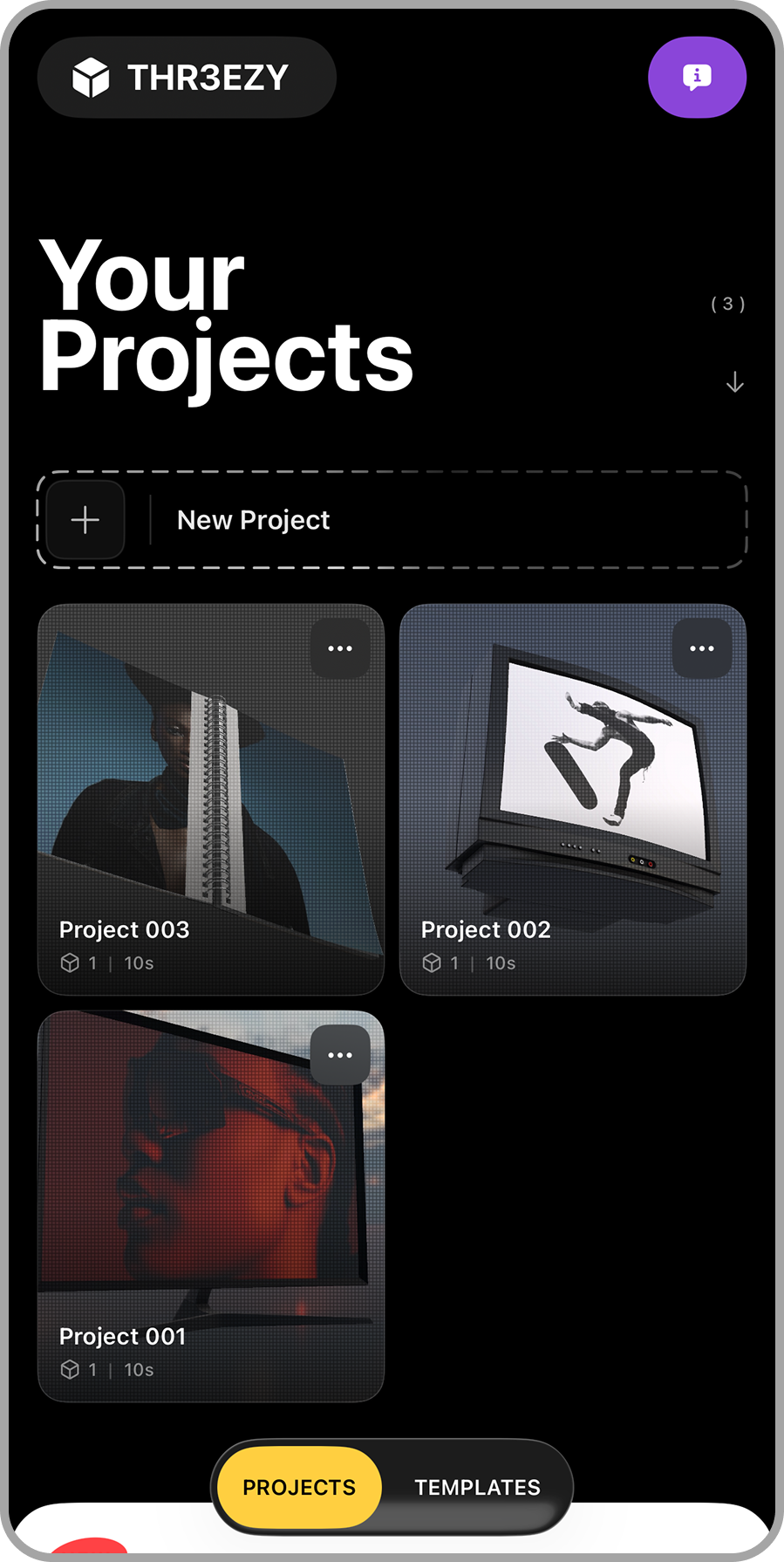
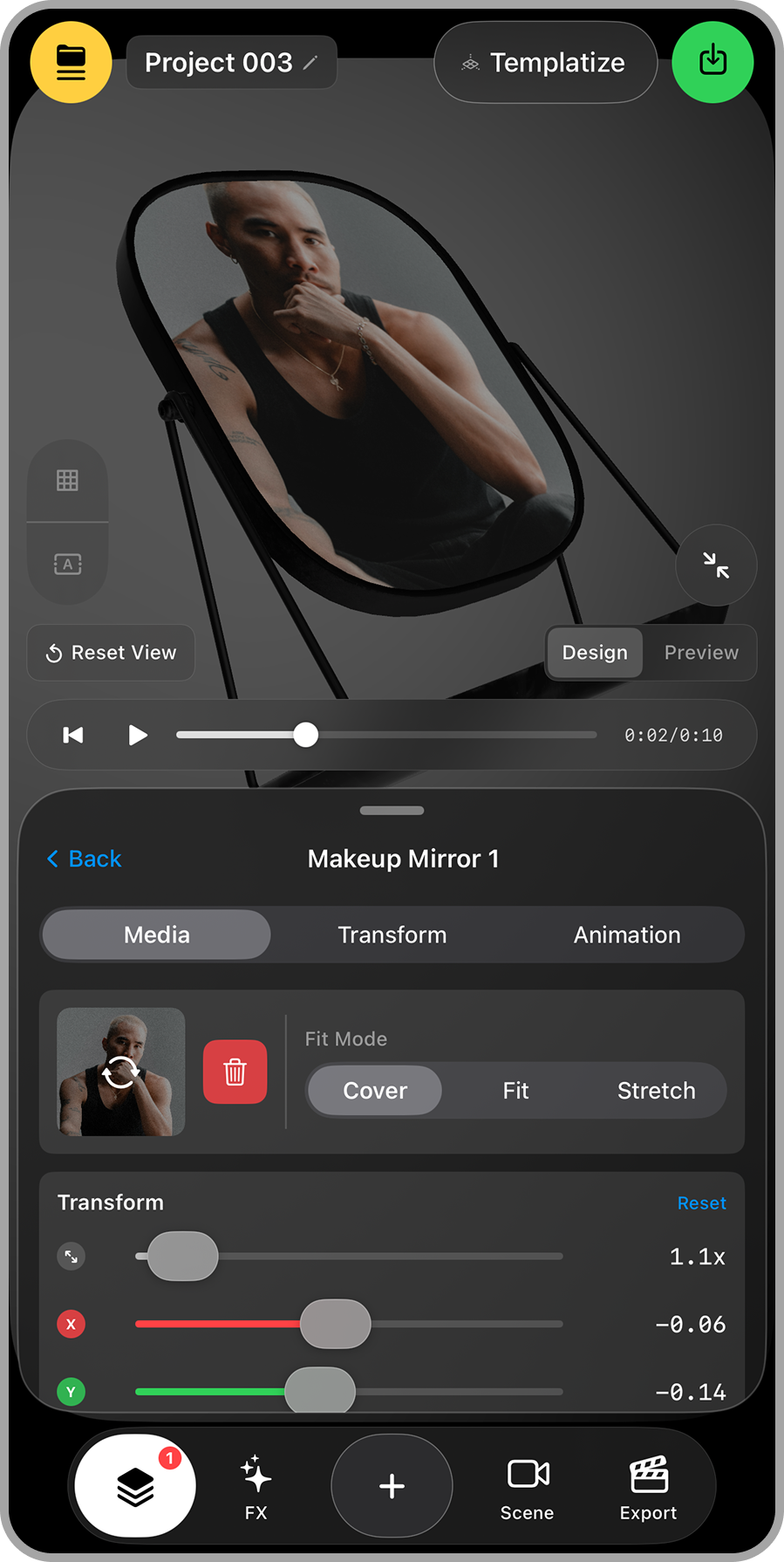
THR3EZY Features
1. 3D Video Templates
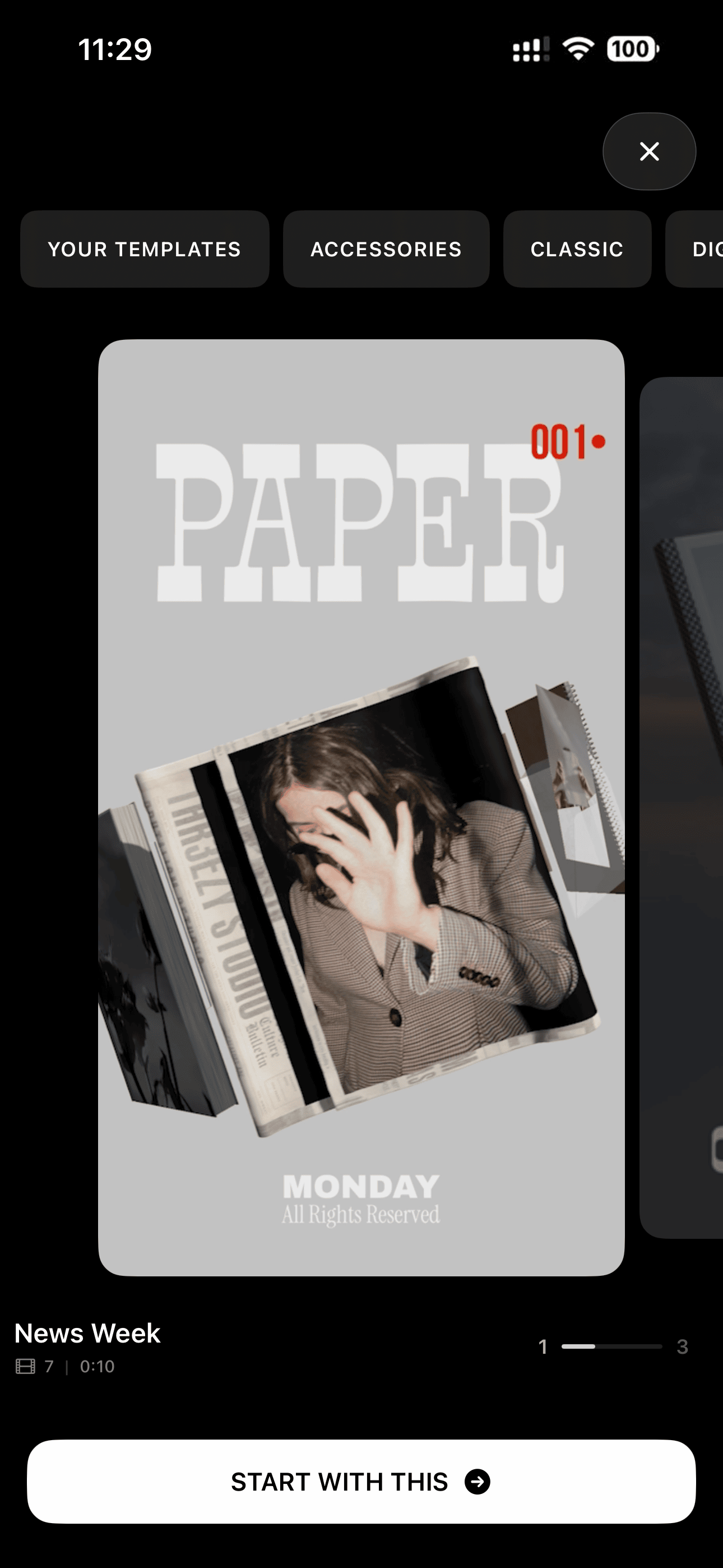
Pick a designed, animated 3D template and have a finished vertical video in minutes.
2. Replace Template Media in Seconds
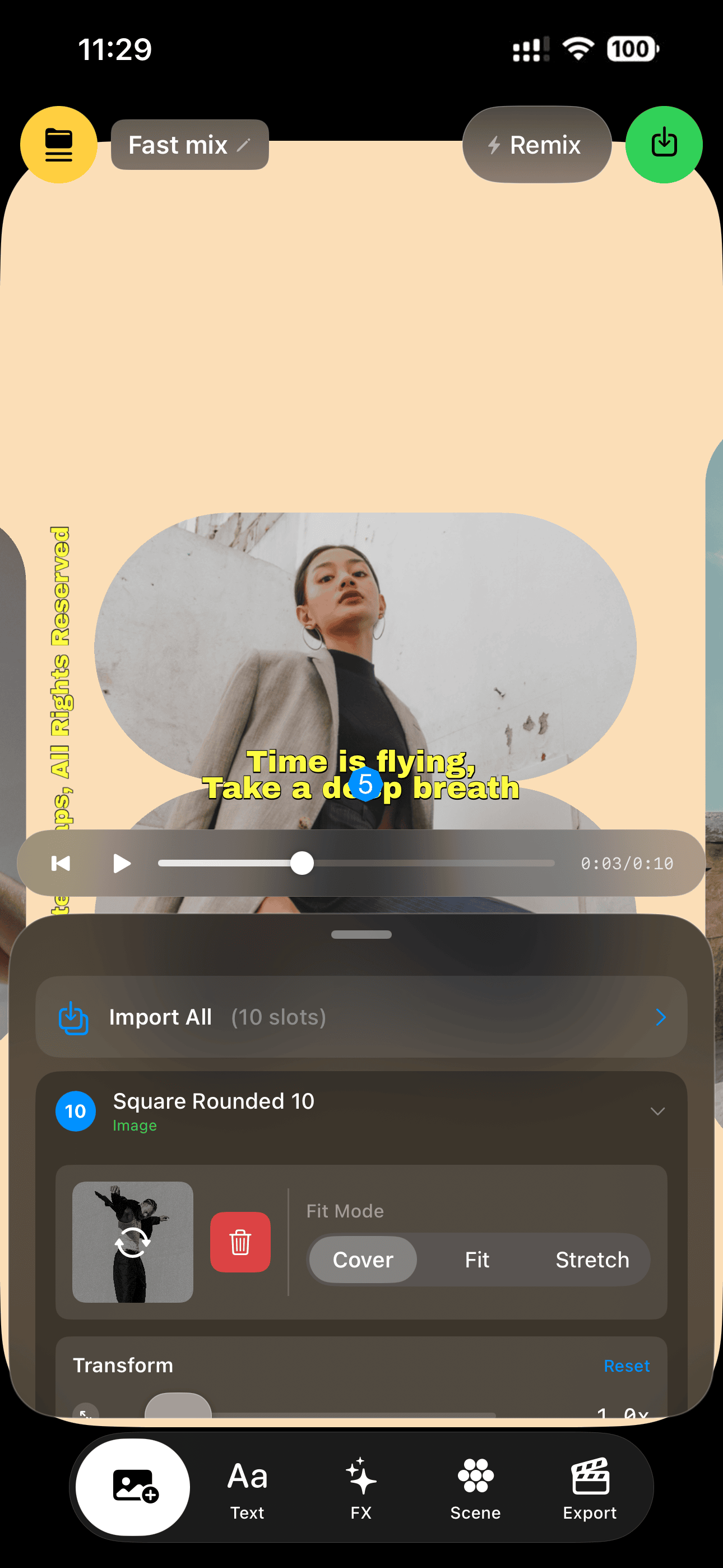
Tap Import All, pick your photos and videos, and every media slot in the template fills automatically.
3. A True 3D Editor on iPhone
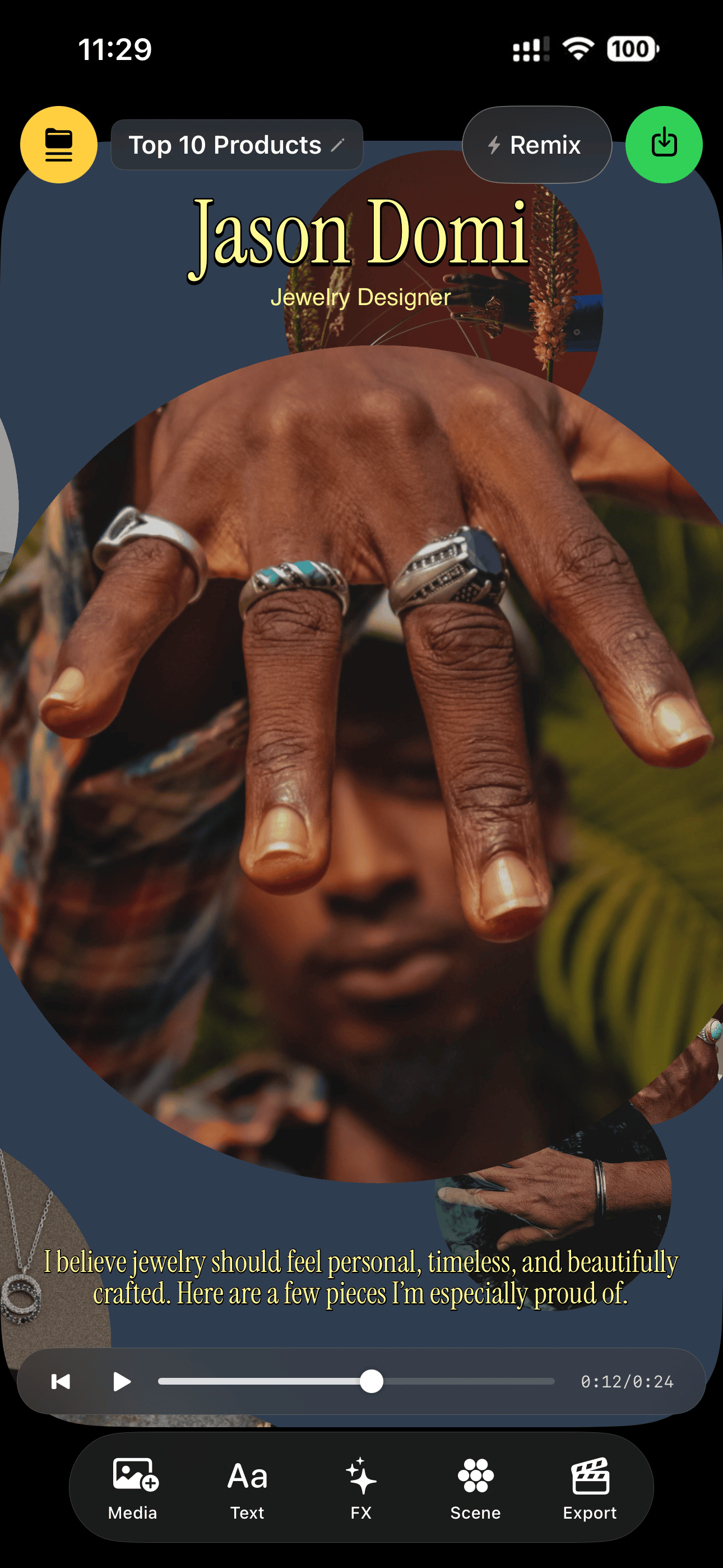
A real 3D viewport — orbit the scene, place objects in space, and design in perspective on a phone.
4. Your Media on 3D Objects
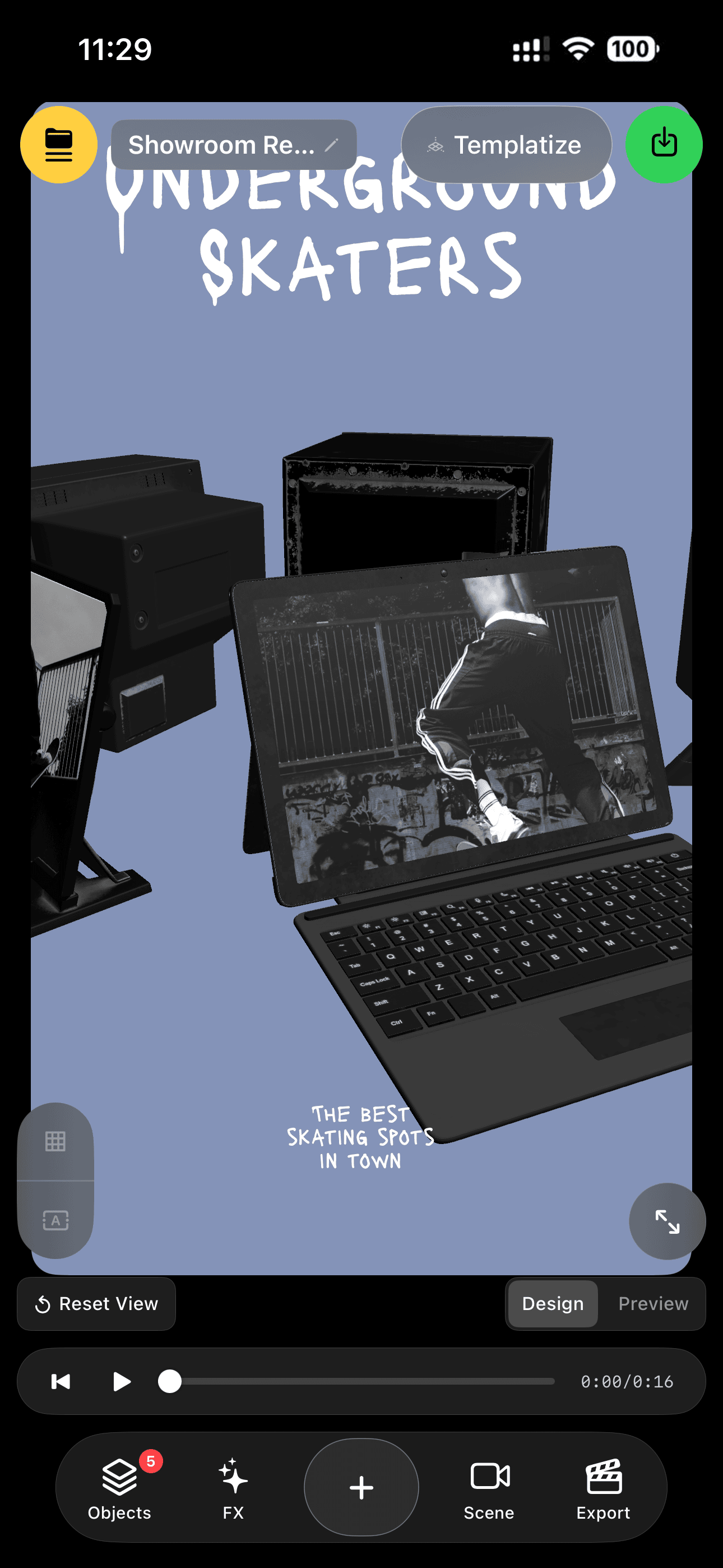
Photos and videos live on the surfaces of 3D objects — cards, TVs, books, signs — not in flat boxes.
5. Cinematic
Camera Presets
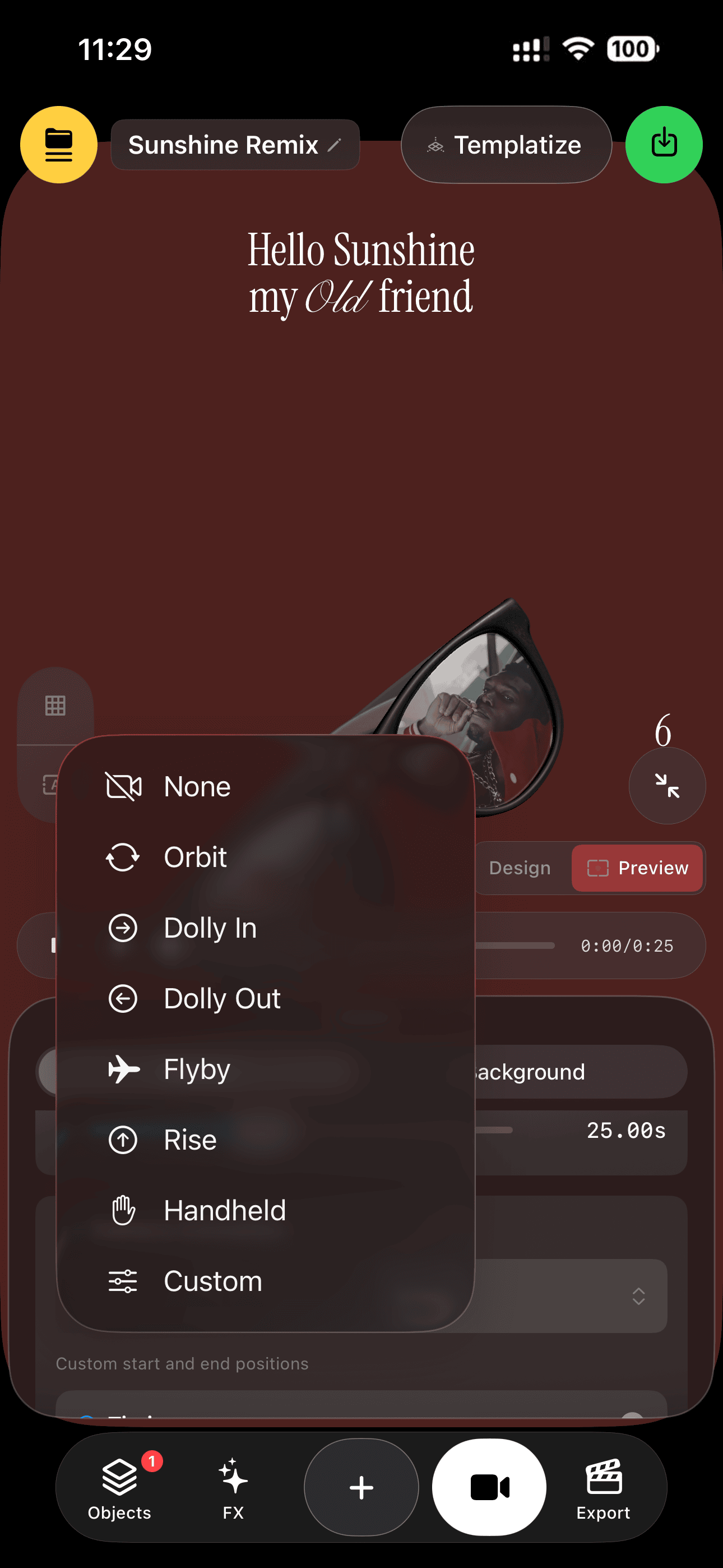
One tap gives your scene a camera move — Orbit, Dolly, Flyby, Rise, Handheld — with a 10-easing library, or go fully custom.
6. Group Layouts
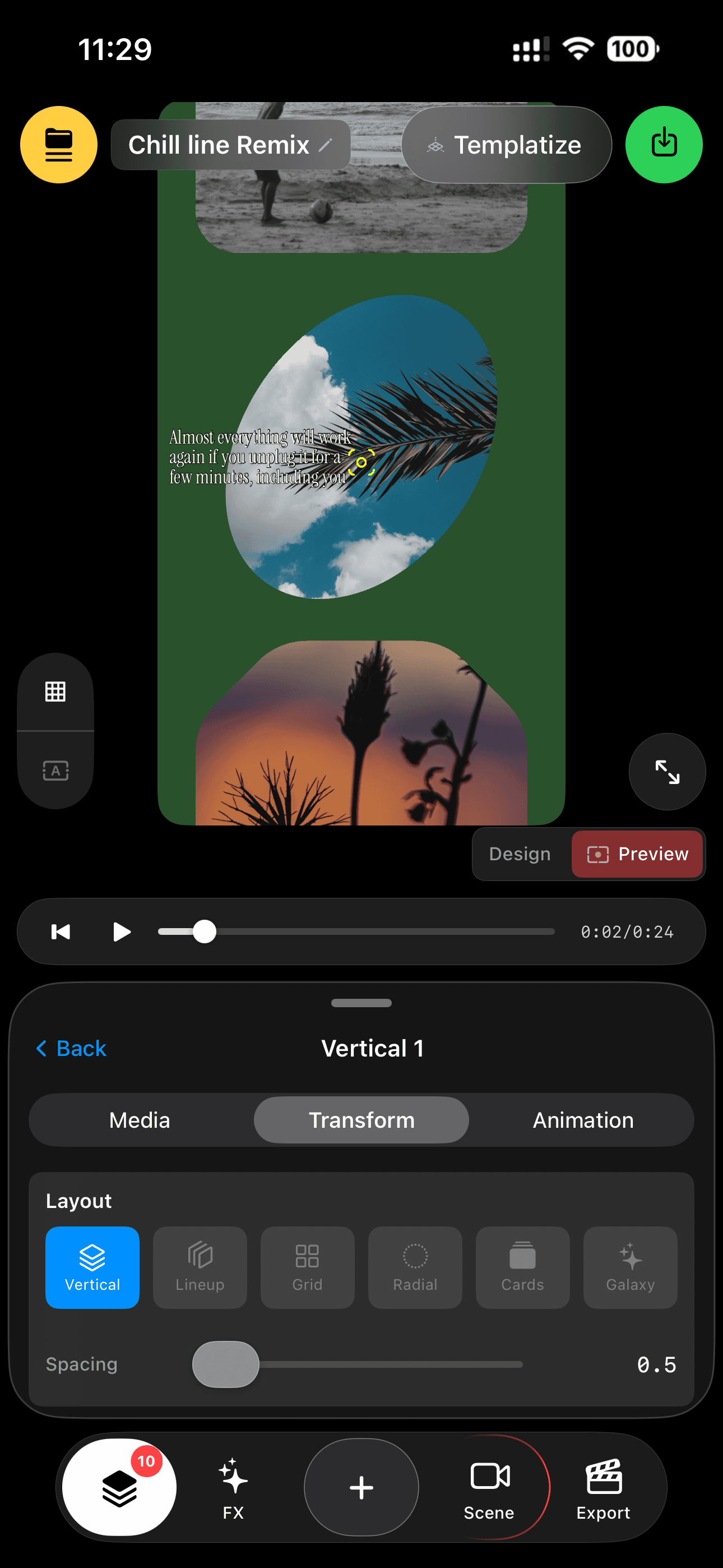
Arrange up to 10 media objects instantly — Vertical, Lineup, Grid, Radial, Cards, or a scattered Galaxy.
7. Slideshow
Groups
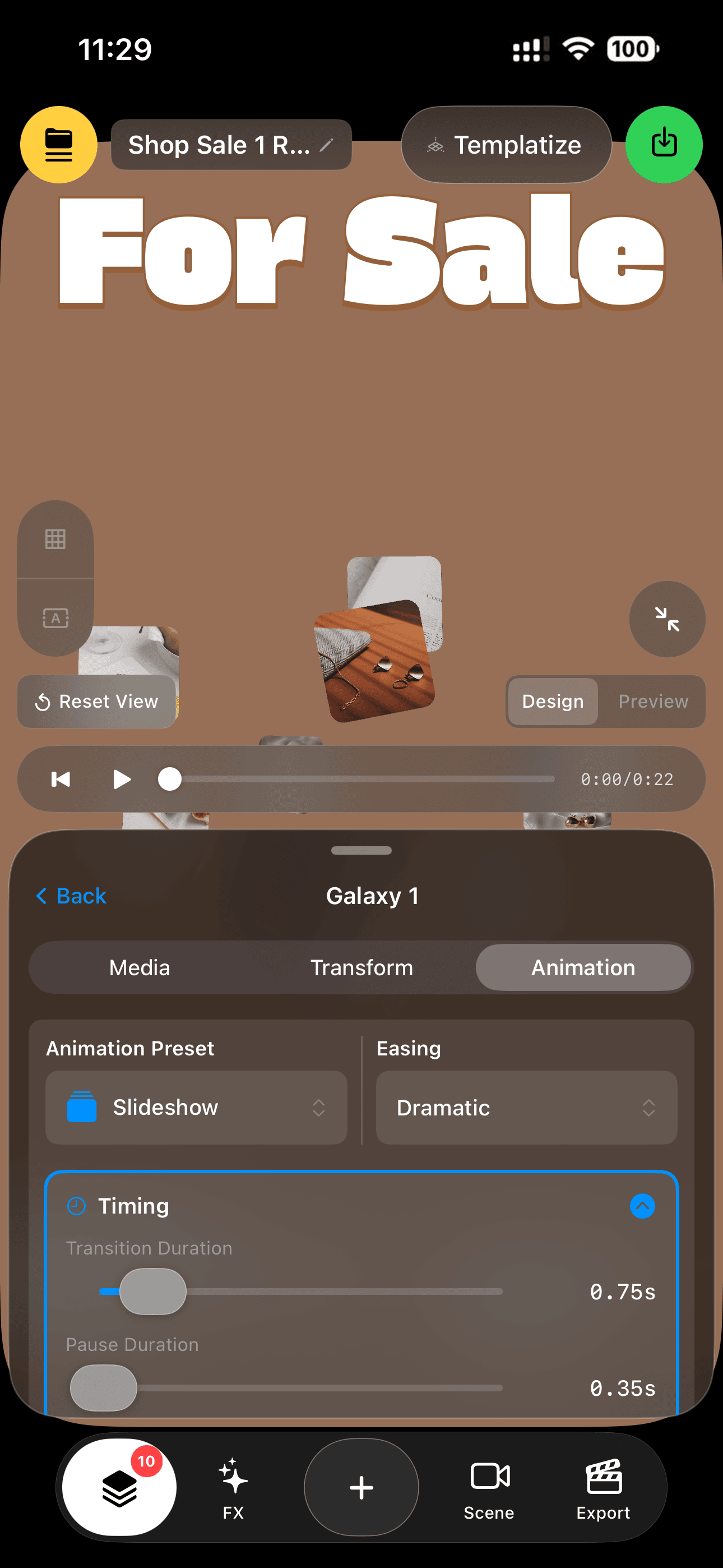
Groups can auto-cycle their media like a 3D slideshow — with transition, pause, and easing controls.
8. Text on a Path
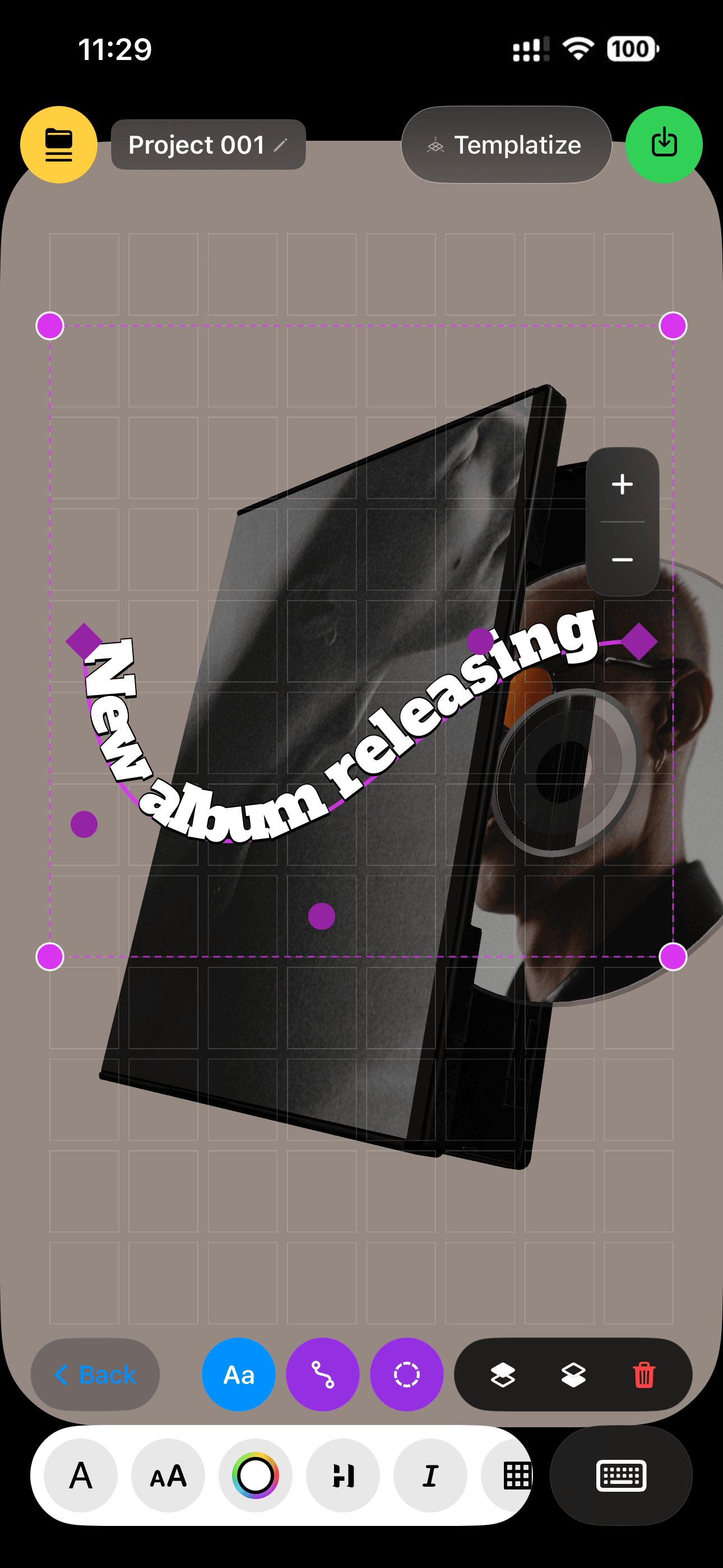
Draw a curve and your text flows along it — drag control points, and it re-lays out live.
9. Text on
Shapes
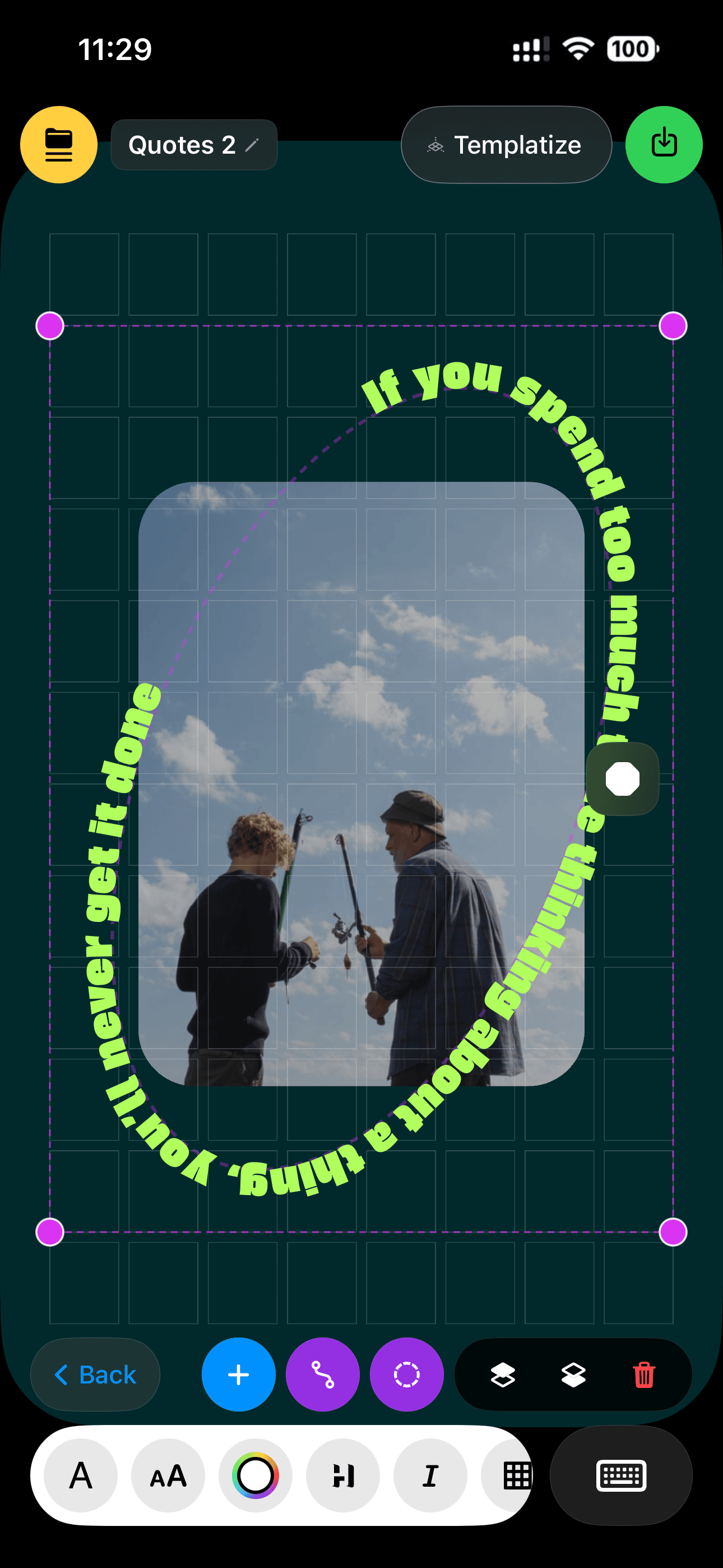
Wrap text around circles, ovals, flowers and more — 8 SVG shape presets, with looping ticker motion and direction control.
10. 3D Object
Library
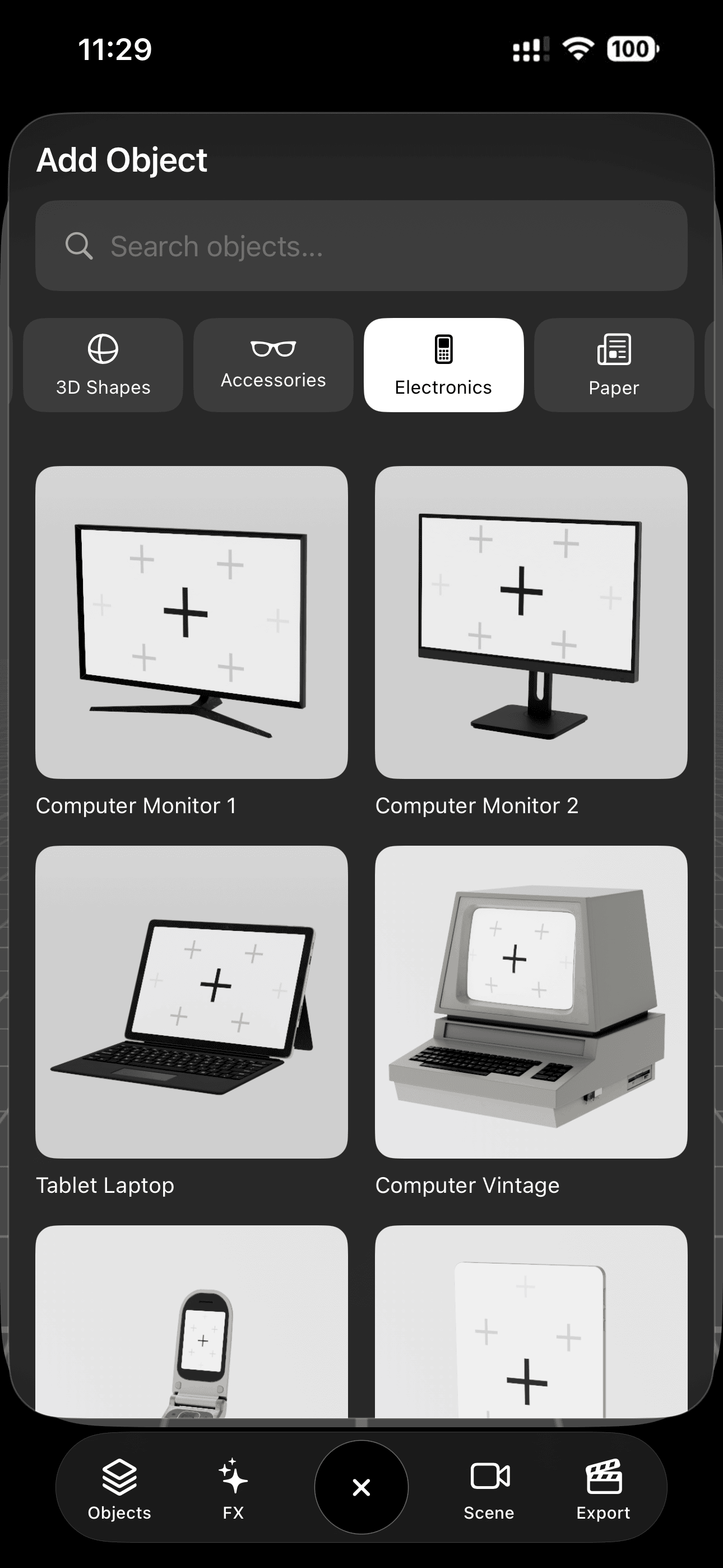
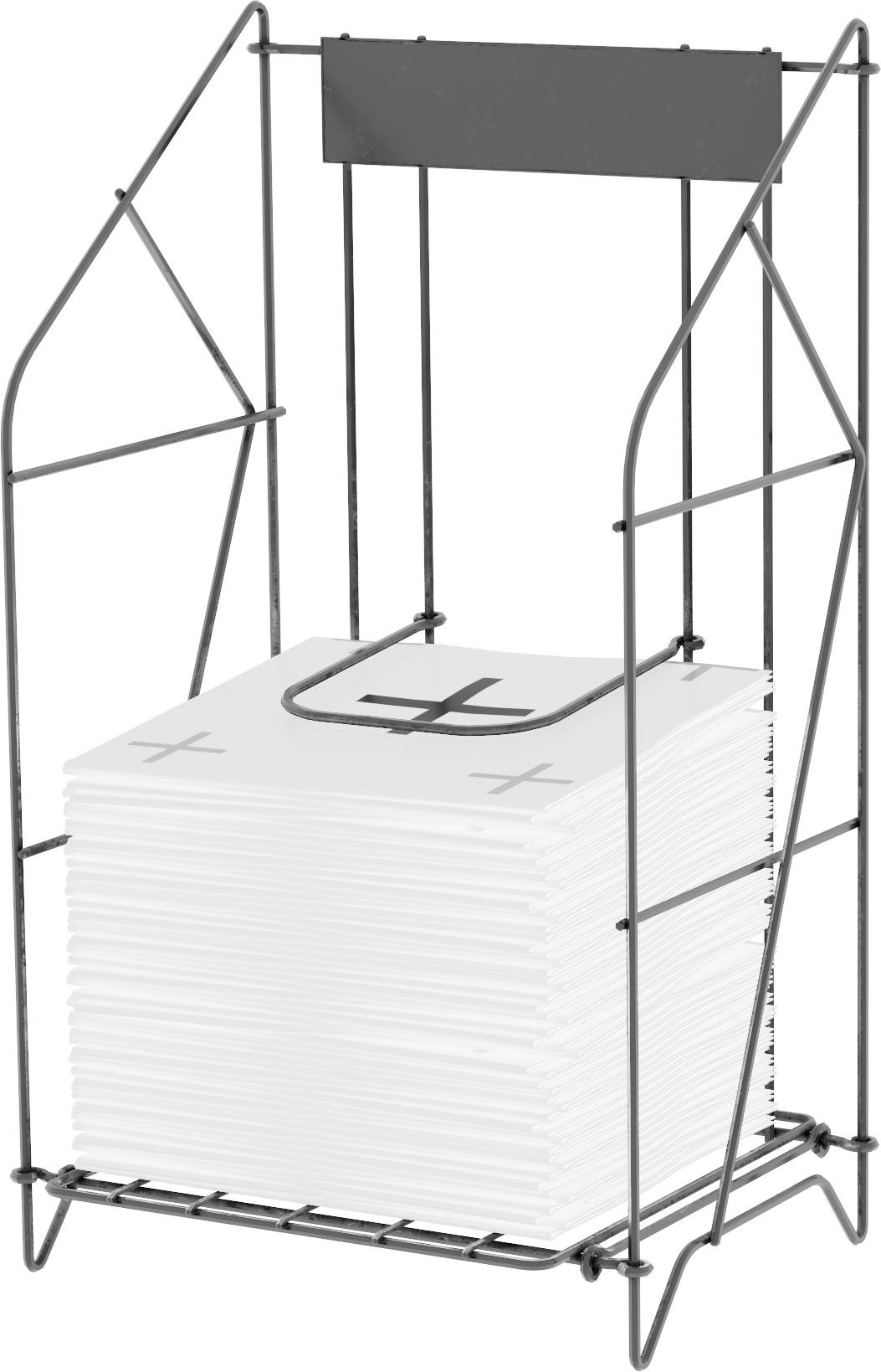
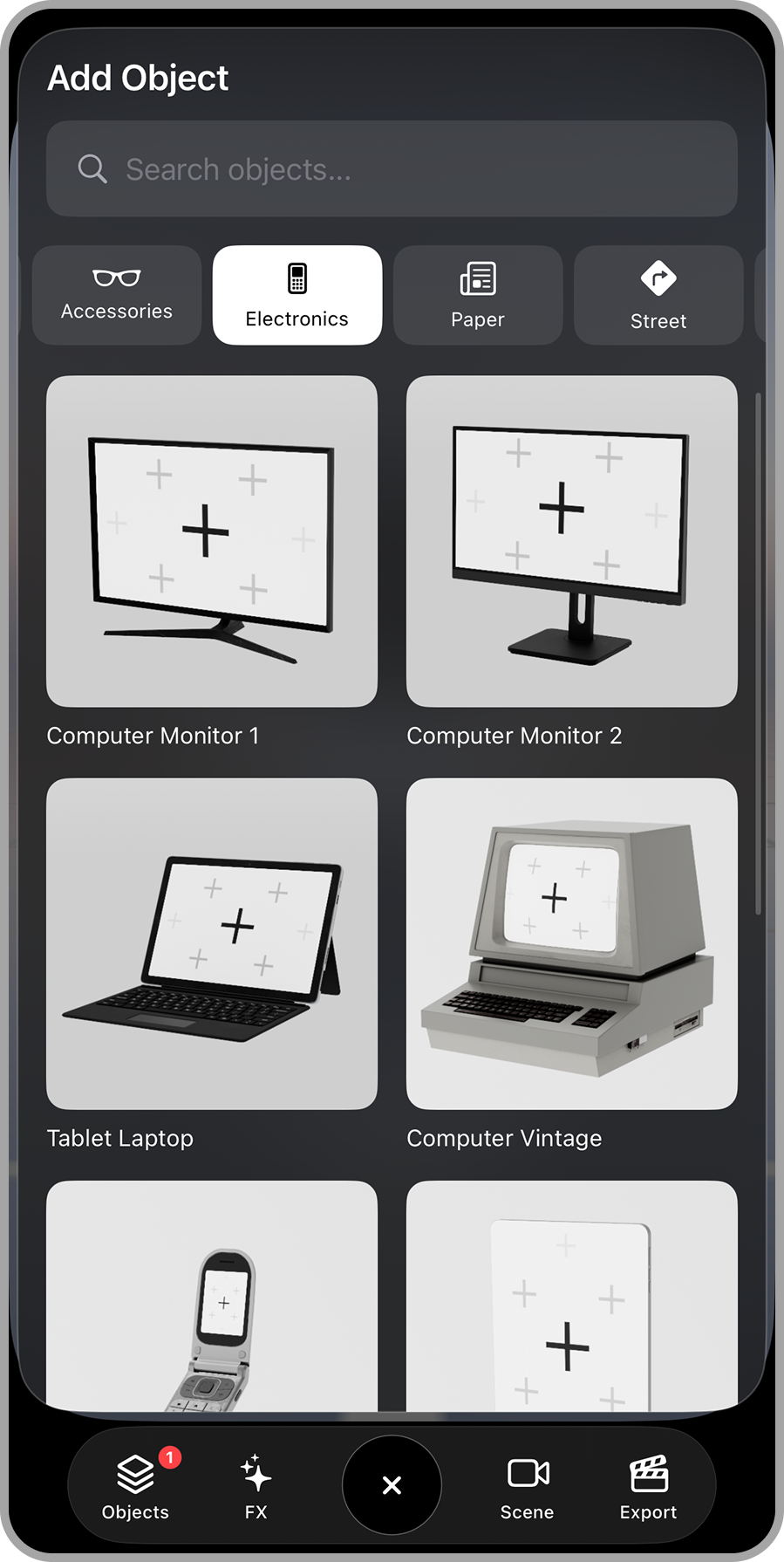
50 designed 3D models in 7 collections, Electronics, Vintage, Street, Paper, Walls, Accessories, 2D Shapes and more to come
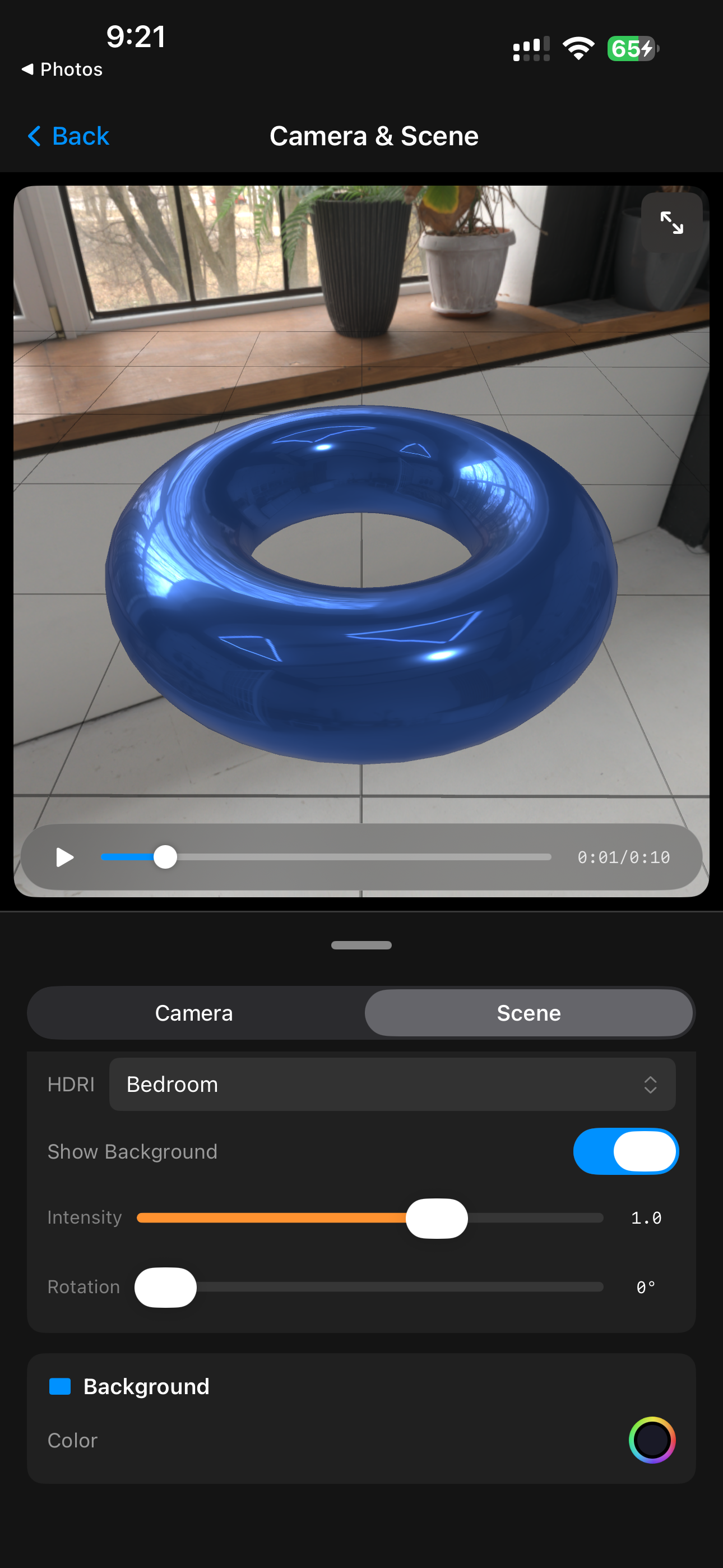
11. HDRI Environments
& Real Reflections
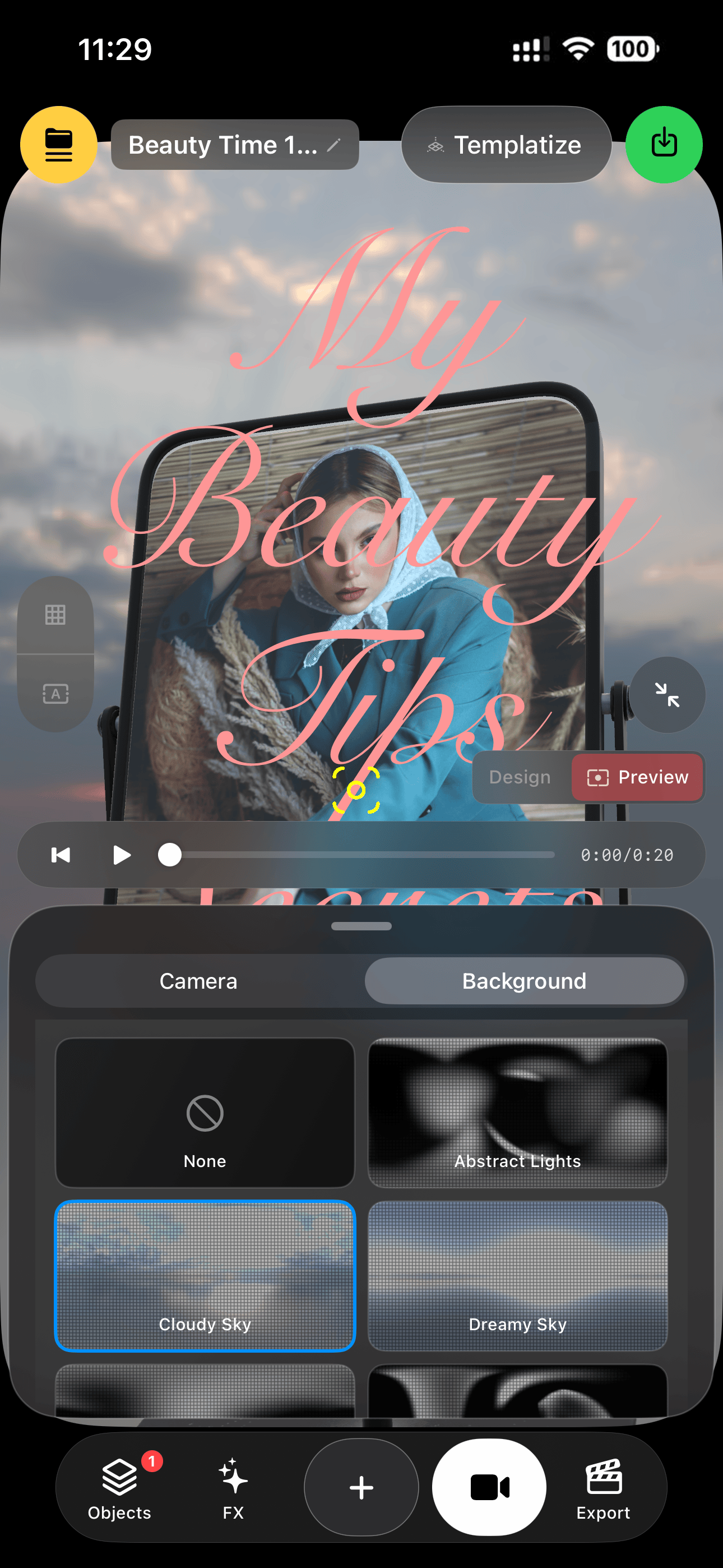
Groups can auto-cycle their media like a 3D slideshow — with transition, pause, and easing controls.
12. Stackable
Retro FX
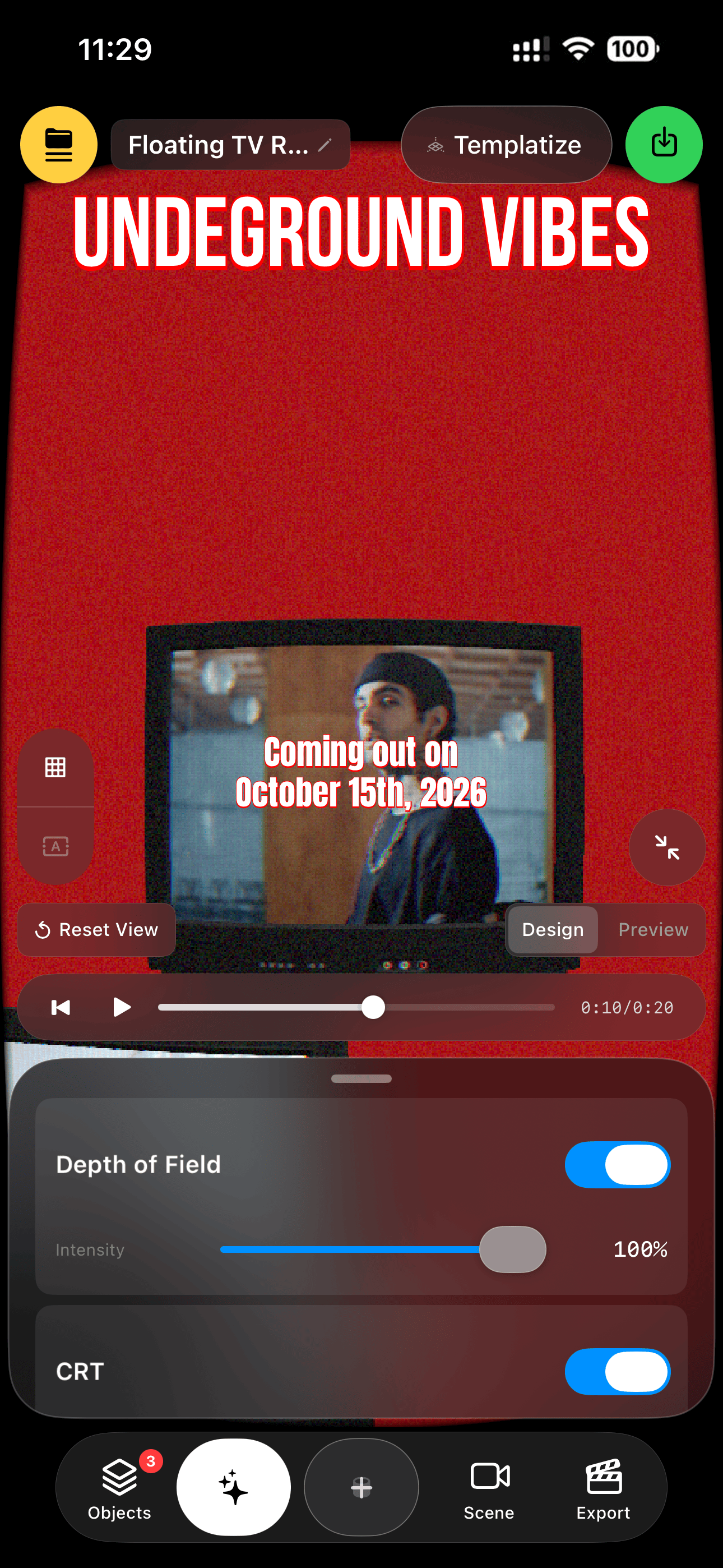
CRT, Glitch, Fisheye, and Depth of Field — stack them, tune each with sliders, rendered in real time on the GPU.
13. Remix
Links
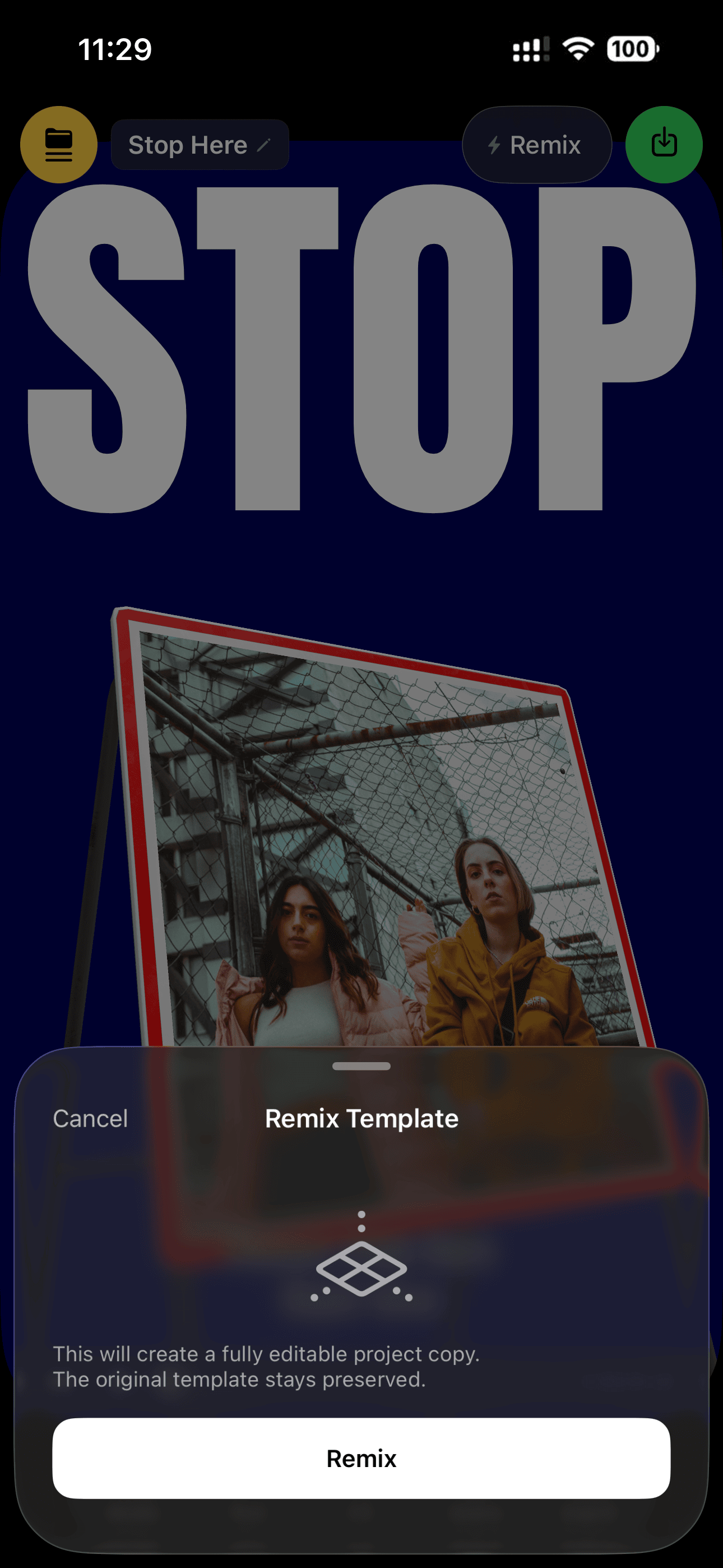
Share any template as a link or code — friends tap it and the full 3D template opens in their app, ready to remix.
14. Your Template
Library
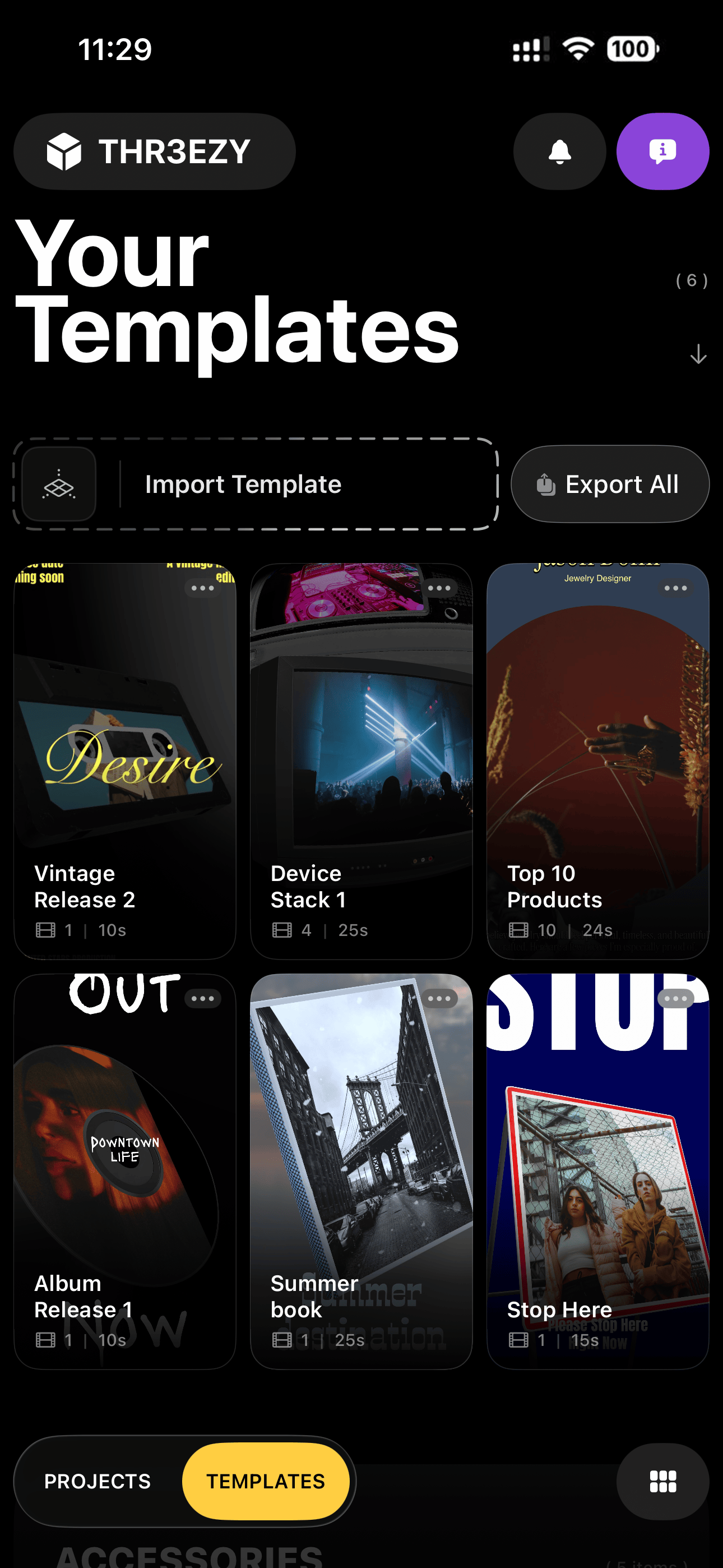
Save any edit as a reusable template — your own library, with one-tap import and Export All backup.
15. Clean 1080×1920 · 60 fps Export
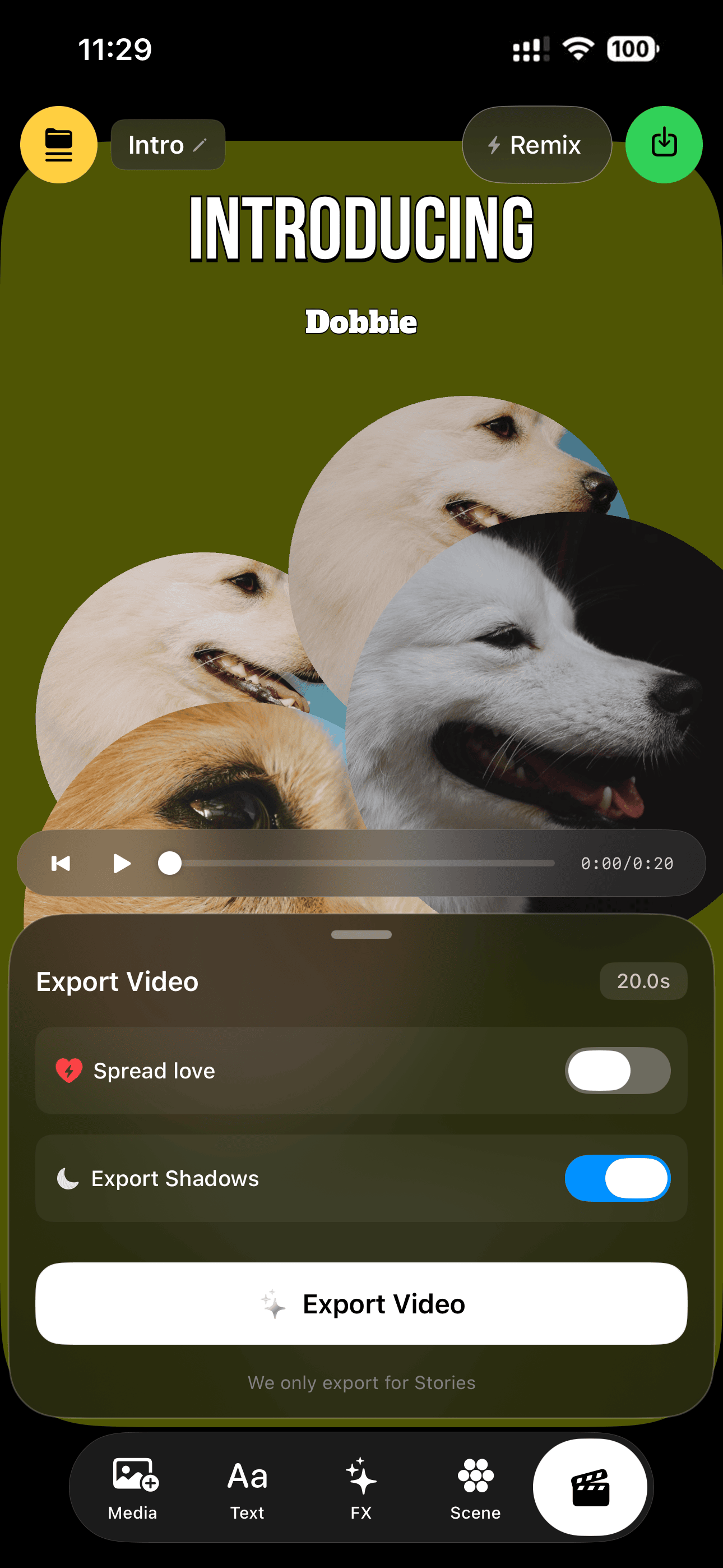
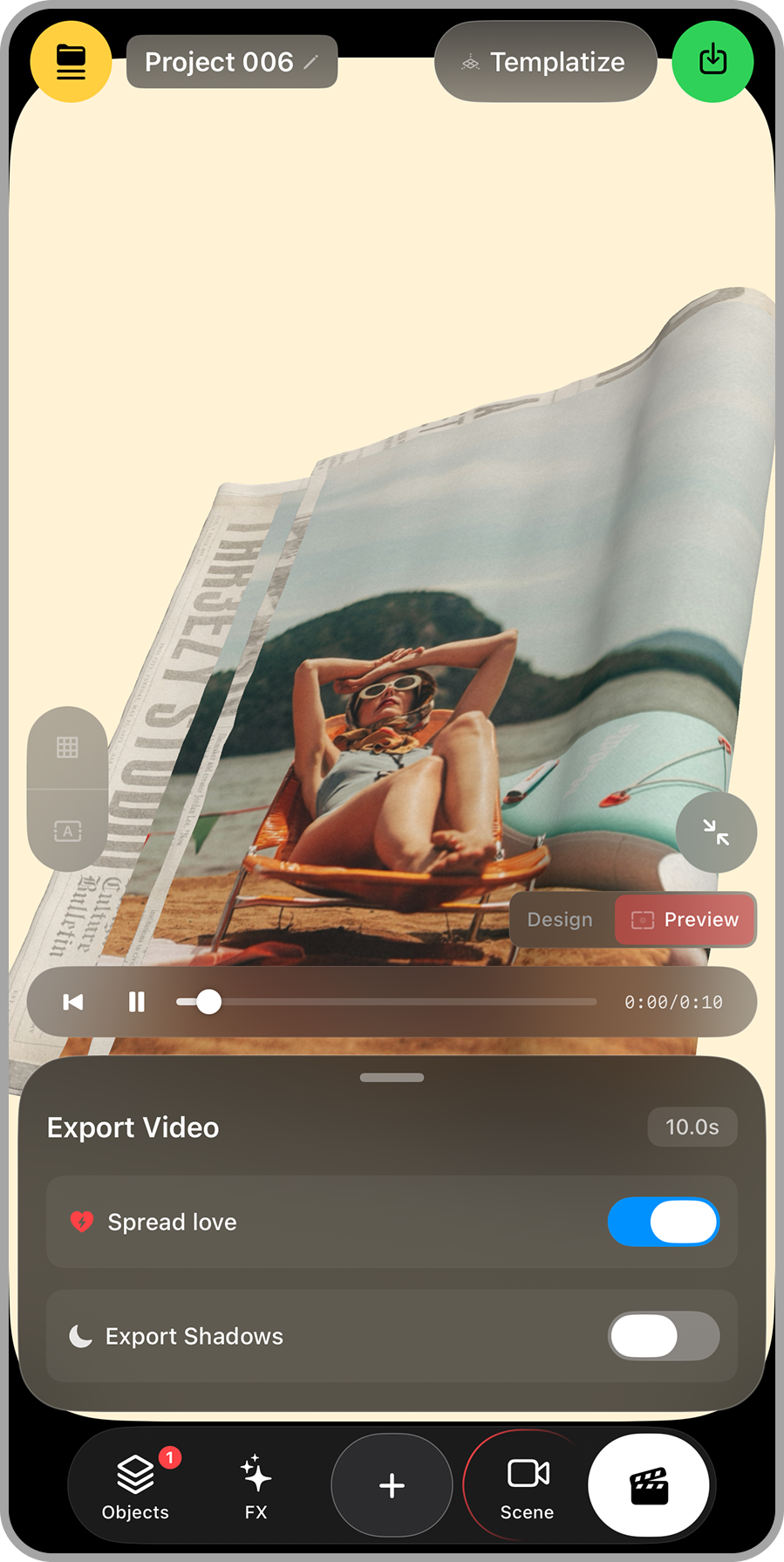
Every export is Full-HD vertical at 60 fps, H.264 — and watermark-free by default.
16. One-Tap Save to Photos & Share
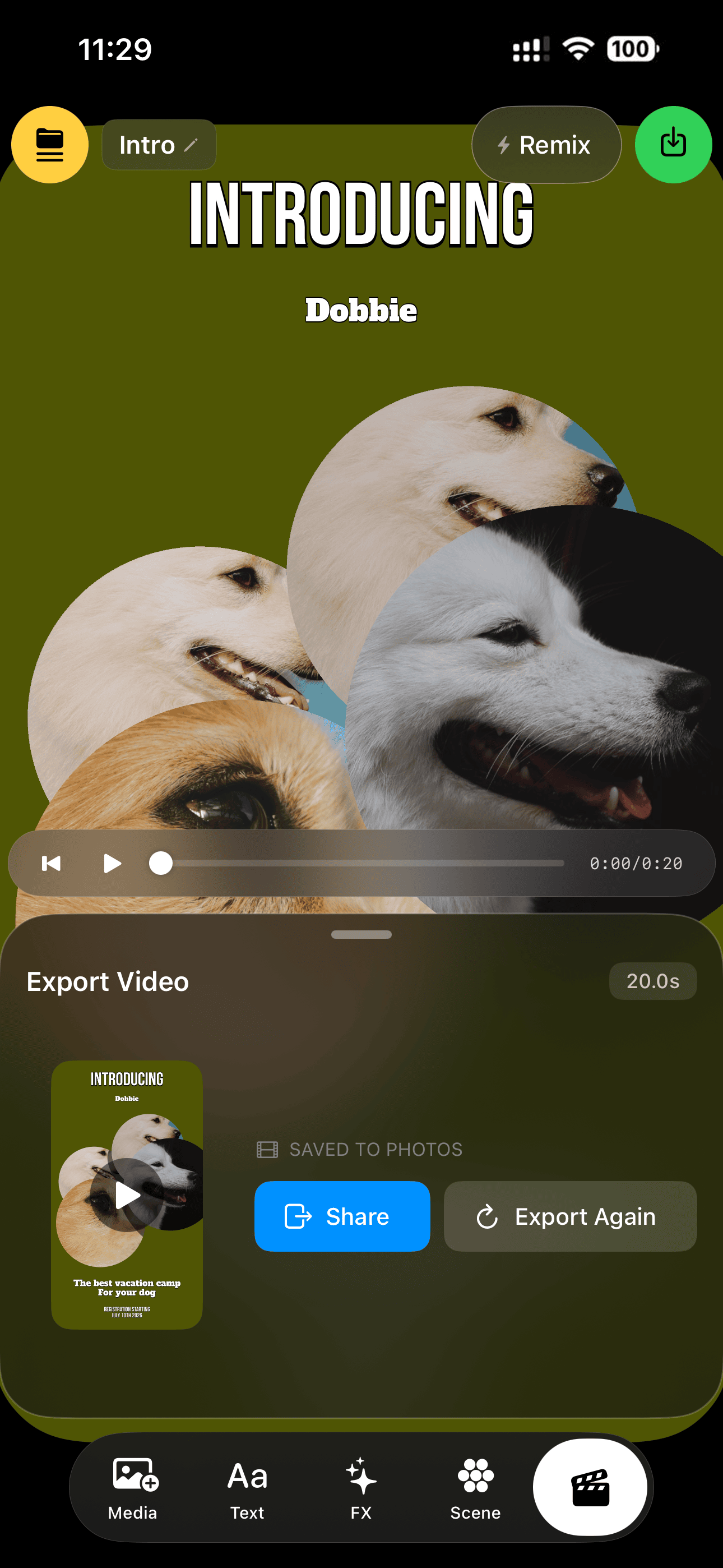
Deterministic GPU export with a live progress bar, then straight to your photo library with a share sheet ready.
17. 60 fps Live Preview
& Timeline
Scrub and play your full 3D scene at 60 fps — the editor chrome melts away during playback.
18. Home & Template Discovery
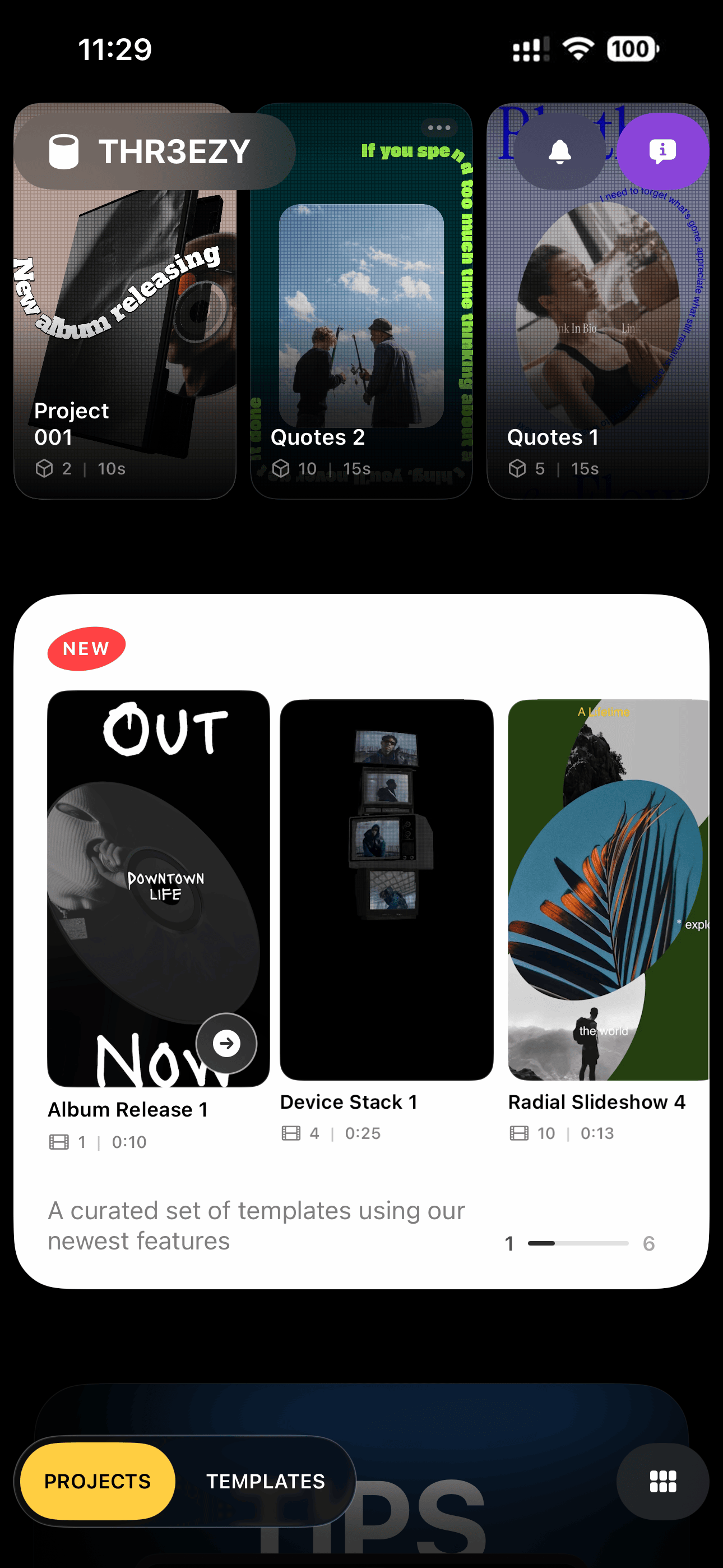
A curated home feed — NEW inspiration carousel and six themed collections (Classic, Music, Accessories, Paper, Street, Digital)
How I built THR3EZY
I built THR3EZY through a collaborative workflow combining product design, natural-language direction, AI-assisted development, and constant testing in Xcode.
I started with Firestarter, an AI product-development framework available from the Filsdegraphiste shop I created to help me build projects.
Rather than jumping immediately into code, Firestarter helped me turn the initial idea into a structured product: defining the problem, audience, value proposition, user journey, feature priorities, technical architecture, performance requirements, privacy considerations, and potential risks. It effectively gave me a guided product studio that could move from an early idea toward a brief detailed enough to build.
From there, I used ChatGPT as a product and technical thinking partner. Because I am primarily a multidisciplinary designer rather than a traditional iOS engineer, I worked mostly in natural language. I could describe the experience I wanted, explain what felt wrong, share screenshots, report crashes, or describe a rendering problem without needing to translate everything into engineering terminology first.
ChatGPT helped me turn those conversations into clear, structured implementation briefs for Claude Code. The briefs identified the relevant behavior, constraints, affected files, expected result, risks, and verification steps. This meant Claude was not being asked to vaguely “improve the app.” It received specific instructions about what to change and, equally importantly, what not to touch.
As the app became more complex, I also used a custom Memory Debug skill. It created a more disciplined debugging workflow by preserving architecture decisions, previous attempts, known regressions, unresolved questions, and session handoffs. It also enforced a surgical approach: find evidence, identify the earliest point of failure, change the smallest possible area, and verify that existing behavior remained intact.
This was essential for a project where one small change could affect several connected systems. Adjusting video playback could influence memory usage. Changing a camera behavior could create a preview/export mismatch. Modifying media mapping could affect both images and videos across multiple 3D objects. The memory system helped us avoid repeating failed approaches or losing important context between sessions.
ME
↪CHATGPT
↪CLAUDE CODE
The implementation itself happened through Claude Code working directly inside the project repository, while Xcode remained the source of truth. Claude could inspect the existing Swift files and apply targeted changes, but every meaningful update still had to compile, run, and survive testing in Xcode and on a real iPhone.
The app was built with Apple’s native stack, including Swift, SwiftUI, SceneKit, Metal, and AVFoundation. SceneKit powers the editable 3D scenes, Metal supports GPU-intensive rendering and environment processing, and AVFoundation drives the video pipeline and final exports. The preview and offline-render systems were designed to share the same scene information so the exported video remains faithful to what was created in the editor.
The process was not one prompt generating an entire application. It was an ongoing loop:
Design the behavior
↪Describe it in natural language with ChatGpt
↪Turn it into a precise brief
01. Brief
02. Rules
03. Goals
04. Context
05. Audit
06. Hints
07. Implementation preferences
08. Success Criteria
09. Return
↪Implement it with Claude Code
↪Compile and test in Xcode
↪Observe the result
↪Refine or debug
AI accelerated the implementation, but I remained responsible for the product direction, interaction design, visual language, 3D assets, UV mapping, feature decisions, testing, and final quality.
For me, the project became an experiment not only in mobile 3D creation, but also in how a designer can direct increasingly technical software development through clear intent, structured systems, and natural-language collaboration.
What I learned
Templates can be interfaces, not just outputs
The most valuable part of a template is not its final appearance. It is the set of decisions it captures and makes reusable. By preserving the scene underneath the video, THR3EZY turns the template itself into an interface for understanding and modifying those decisions.
Accessibility does not require removing authorship
Simplification often means taking options away. THR3EZY instead uses progressive disclosure: begin with the controls required to personalize the template, then reveal the complete system through Remix.
Technical experiments can uncover product opportunities
The UV-mapping experiments began as visual exploration. They eventually revealed the abstraction that made the entire product possible: a complex 3D surface could become a simple, replaceable media slot.
Constraints can create a clearer product
The iPhone could not behave like an unlimited desktop workstation. Designing around its memory, thermal, screen-size, and interaction constraints forced me to identify what mattered most: fast scene construction, predictable playback, reusable media surfaces, controlled camera movement, and reliable vertical-video export.
Some visuals
from the project
IYKYK